
AlphaTheta
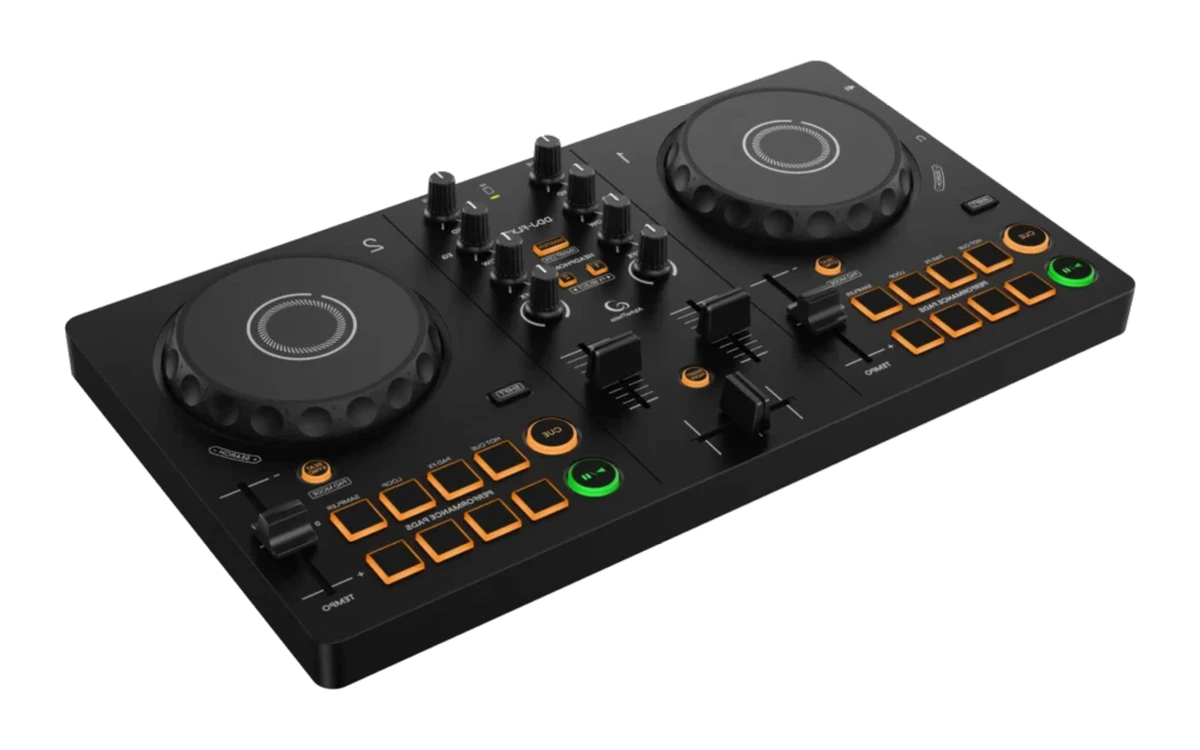
DDJ-FLX2
DJ controllersRecommended
The successor to the DDJ-200, now with a built-in sound card.
AlphaTheta is the newer brand name of AlphaTheta Corporation, known as Pioneer DJ Corporation until 2019. Older devices from the same manufacturer still carry the name Pioneer DJ.
- Price range
- €100 to €200
- Channels
- 2 decks
- Audio resolution
- 16/24-bit, 44.1/48 kHz
- USB
- 1 × USB Type-C
- Weight
- 1.2 kg
- Fits these ways
- Nothing yet, Laptop only, Controller setup
Who it is for
Most beginners: rekordbox-compatible, with a built-in sound card.
In its favour
- Built-in sound card
- Runs with rekordbox, Serato DJ Lite and djay
- Compact: 1.2 kg, powered over USB
Against it
- Two channels, no club layout
- No dedicated filter knob — CFX behaves differently per software
Technical specifications
Taken word for word from the manufacturer’s manual, with the page number in the PDF — not measured by us.
| Spec | Manufacturer figure | PDF page |
|---|---|---|
| Channels | 2 decks | 14 |
| Outputs | MASTER (3.5 mm stereo mini jack) | 149 |
| Headphone output | 3.5 mm stereo mini jack | 149 |
| USB | 1 × USB Type-C | 149 |
| Signal-to-noise ratio | 102 dB (USB, A-weighted) | 149 |
| Audio resolution | 16/24-bit, 44.1/48 kHz | 149 |
| Power supply | USB bus power | 28 |
| Dimensions | 383.2 × 208 × 48.2 mm (W × D × H) | 149 |
| Weight | 1.2 kg | 149 |
Source: DDJ-FLX2 — Bedienungsanleitung (User manuals & documentation) · AlphaTheta CorporationManufacturer page
Price range within the category
DJ controllers at DJLearn range from up to €100 to over €600. This product sits at €100 to €200. That is the middle of the category.
Price range checked 09/2026Manufacturer page
Also available atAmazonAd
Where it says “Ad” we earn a commission if you buy through the link — on the other routes we earn nothing. Either way you pay the same price, and it changes nothing about our recommendation. How we handle this
“Laptop only” setup with the DDJ-FLX2
Price range of the setup: about €200 to €400
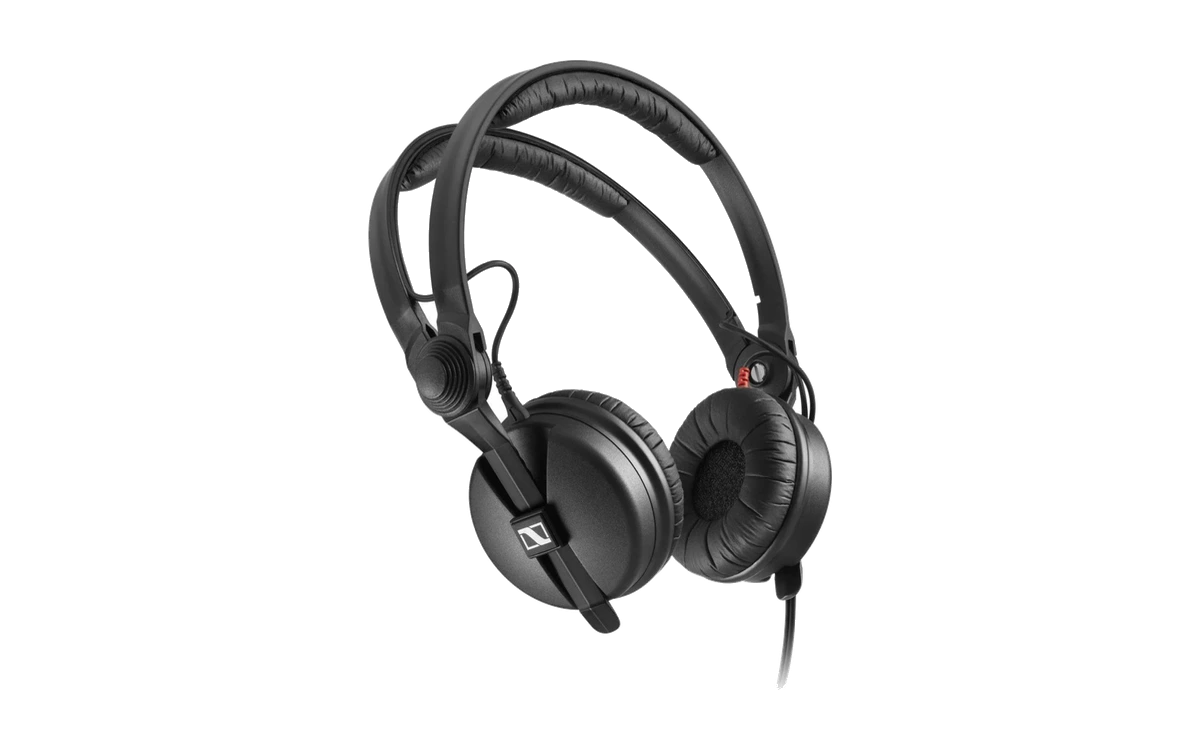
- HeadphonesSennheiser HD 25€100 to €200
- DJ controllersAlphaTheta DDJ-FLX2This device
What the controls are called on this device
The example device in the learning path is the DDJ-FLX4. This table translates every control from the course to this device — with the page of the manufacturer’s manual where it appears. If a control is missing, the manual does not list it.Terms as printed in the manual — we evaluated the German edition, so the manual’s own wording is German.
| In the course | On the device | Manual p. |
|---|---|---|
| EQ high | EQ (HI)-Drehknopf | 22 |
| EQ mid | EQ (MID)-Drehknopf | 22 |
| EQ low | EQ (LOW)-Drehknopf | 22 |
| Filter / colour | CFX-Regler NOT a filter in the strict sense: under rekordbox for Mac/Windows it applies Sound Color FX, under djay and Serato DJ Lite “the filter effect”. Centre position = original sound. Which effect is active out of the box, the manual does not say. | 22 |
| Tempo fader | TEMPO-Schieberegler | 16 |
| Crossfader | Crossfader | 24 |
| Headphone cue | Kopfhörer-CUE-Tasten | 23 |
| Performance pads | Performance Pads 1 bis 4 | 15 |
The learning path's example device. Four pads per deck — the “eight hot cues” are storage slots in rekordbox, not buttons.
What you still need
The device alone does not make an evening. What follows here comes from the connectors of your setup — for the devices whose manual is in our archive, with a page number.
For the build
Cable: 3.5 mm mini jack to 2× RCA
⚠️ Unlike most controllers, this one puts out the master through a stereo mini jack, not through RCA. An ordinary RCA cable does not fit — the most common wrong purchase for this model.
Check first
Jack adapter 6.3 to 3.5 mm
The headphone socket is the small 3.5 mm one. Many DJ headphones come with a 6.3 mm plug — usually an adapter is included or screwed on. Check before you want to play, not after.
Deliberately without prices: a cable price is the most short-lived figure a page can carry. This says WHAT is missing, not what it costs.
Frequently asked questions about DJ controllers
Compare directly
Devices in the same category and the same price class — the ones you actually hesitate between. Each comparison puts both side by side and crowns no winner.
Goes with it
Alternatives in this category
You picked your gear — now what?
The learning path takes you from the first cable to your first set: 12 phases, step by step, free. It works with any device — including the one you already own.