What actually happens when you cue
A channel's CUE button puts exactly that channel on your headphones — whether or not its fader is up. So the track runs for you while the room cannot hear it. There is also a CUE button for the master: it puts the sound actually going out onto the same headphones.
The hard part is not the movement but the listening: taking in two different pieces at once and still judging one of them. That skill builds over weeks — and it is why beginners turn the mix knob all the way to one side and then never learn to hear drift.
The four controls
CUE button (channel)
Puts exactly that channel on your headphones, regardless of the channel fader. It stays lit while active — the fastest way to check what you are actually hearing.
CUE button (master)
Puts the master sound on your headphones — what the room hears. Use it regularly: spend an hour only cueing and you lose your feel for the sound outside.
HEADPHONES MIX
Crossfades between the cued channel and the master. Starting position per the manual: centre. That is where you hear both kicks at once — and the only place you notice them drifting apart.
HEADPHONES LEVEL
The volume in your headphones. Starting position per the manual: fully anticlockwise, then bring it up slowly. This is the knob your hearing depends on in the long run.
The level that costs you years
The dose considered safe is 80 dB(A) over 40 hours a week; every 3 dB more halves the time you have left. Headphones sit right at the eardrum and add to the room level rather than replacing it — the arithmetic does not reset just because you take one cup off.
In practice that is three things: one cup instead of both, set the level against the music rather than the crowd, and deliberately do not creep it up over the night. Turn the headphones up every hour and you have not heard better by the end — you have only collected more dose.
Cueing the next track, step by step
Seven steps. The first three are movements, the other four are listening.
Starting position: mix centred, level at zero
Before anything reaches your headphones: HEADPHONES MIX to the centre, HEADPHONES LEVEL fully anticlockwise. That is what the manual prescribes, and it is the only position in which a sudden signal does not jump into your ear.
Press the channel's CUE button
It puts exactly that channel on your headphones, whether or not the channel fader is up. That is the actual trick: the track runs for you while the room cannot hear it. The button stays lit while it is active.
Bring the level up slowly
Only now raise HEADPHONES LEVEL until you can hear the track reliably — and no further. Set the level against the music, not against the crowd: whatever you turn up against noise, no knob gives back.
Find the entry point
Jump to where the track begins for you — usually not second zero but the first full bar after the intro. Set a cue point there rather than searching every time. Knowing the entry takes two seconds in a booth instead of twenty.
Mix knob to the middle and hear both
Now comes the part that needs practice: the new track and the master run in your headphones at once. That is exactly where you hear whether the kicks sit on top of each other or drift apart. It is tiring at first; after two weeks it is the normal state.
Match the tempo before the fader goes up
While the channel fader is down, a mistake costs nothing. Use that: match, let it run, correct, let it run again. Only when it stays stable across eight bars does the track have any business in the room.
Check the master in between
The master CUE button puts the room sound on your headphones. Use it regularly — spend an hour only cueing and you lose your sense of how loud and how clean it actually sounds out there.
The mistakes you pick up as habits
Turning the mix knob all the way to one side
Comfortable, and the surest way never to learn to hear drift. Hear only the incoming track and you notice the mismatch at the fader — which is too late.
Turning the headphones up against the crowd
The room gets louder, you follow, and that only ever goes one way over a night. Set the level against the music, not against the noise — then leave it.
Both cups on all night
Doubles the exposure and cuts you off from the room. One cup on the ear, the other beside it: you hear the mix and still how it really sounds out there.
Searching without a cue point
Finding the entry from scratch every time costs twenty seconds you do not have. A set point makes it two — and takes the panic out of the transition.
Never checking the master
After an hour in headphones you no longer know how loud or how clean the room sounds. The master CUE button costs a second and answers exactly that.
Three exercises for the ear
All three need two tracks and twenty minutes. None of them is fun; after two weeks you can hear the difference.
Centre only
Twenty minutes mixing with the mix knob centred, without touching it. Tiring, and that is the point: your ear learns to separate two sources.
Enter blind
Find the entry point in your headphones without looking at the waveform. You quickly notice how much of this you have been doing with your eyes — and how little of that helps in a dark booth.
One cup, one evening
A whole practice session with a single ear cup. Something is missing at first; after two weeks it is normal — and it is the habit that carries your hearing furthest.
A note: control names, the order and the impedance requirement come from the DDJ-FLX4 manual and hold literally for that unit; on other mixers the same functions sometimes carry other names. The listening figures come from the WHO-ITU standard. Everything about habits and exercises is editorial experience.
Frequently asked questions about cueing
What exactly is cueing?
You listen in your headphones to the track the room cannot hear yet. That is where you start it, match the tempo, find the entry point and decide whether it fits at all. The entire craft part of a transition happens in that state — none of it is visible, which is exactly why beginners underrate it.
Which controls do I need, and in what order?
For the DDJ-FLX4, AlphaTheta gives a clear sequence: HEADPHONES MIX to the centre, HEADPHONES LEVEL fully anticlockwise, then press the CUE button of the channel you want, and only then bring the level up. The order is not a ritual — it prevents exactly the moment where a fully open headphone output suddenly gets signal.
What does the headphone mix knob do?
It crossfades in your headphones between the cued channel and the master. All the way to one side you hear only the incoming track, all the way to the other only what is playing in the room, in the middle both. For a transition the middle is the working position: only there do you hear whether the two kicks really line up. There is also a CUE button for the master — the fastest way to check the room sound without taking the headphones off.
Which headphones actually work?
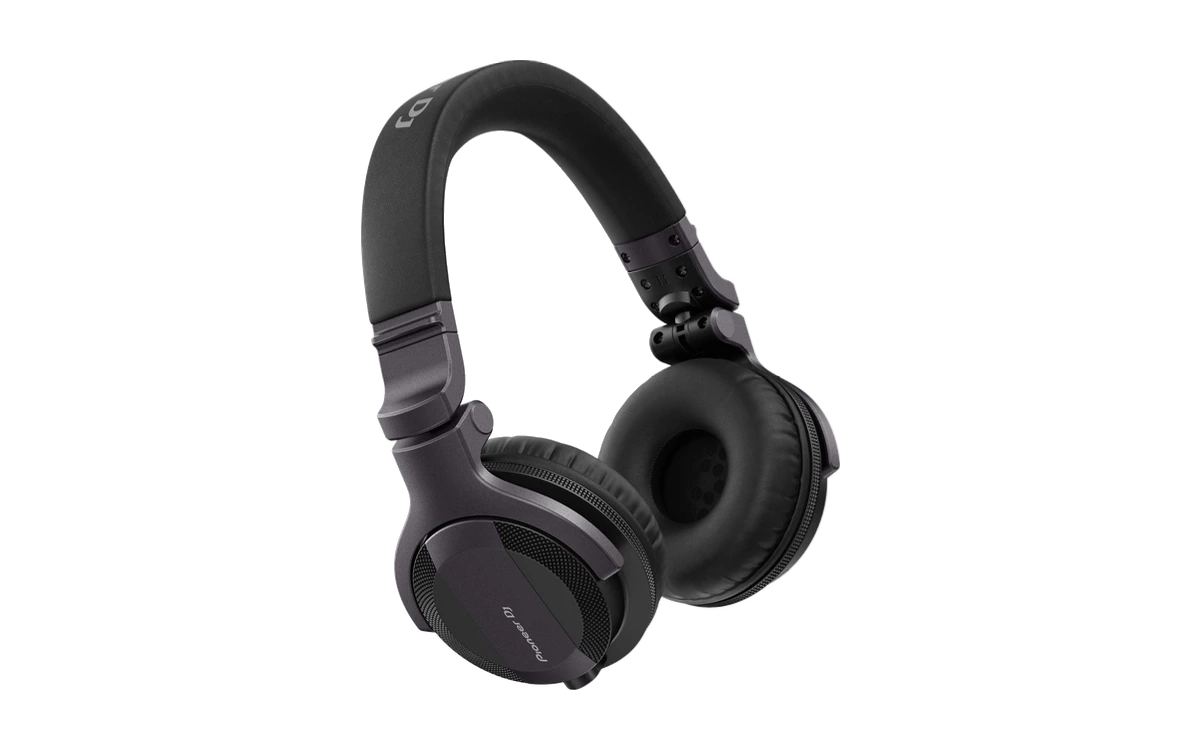
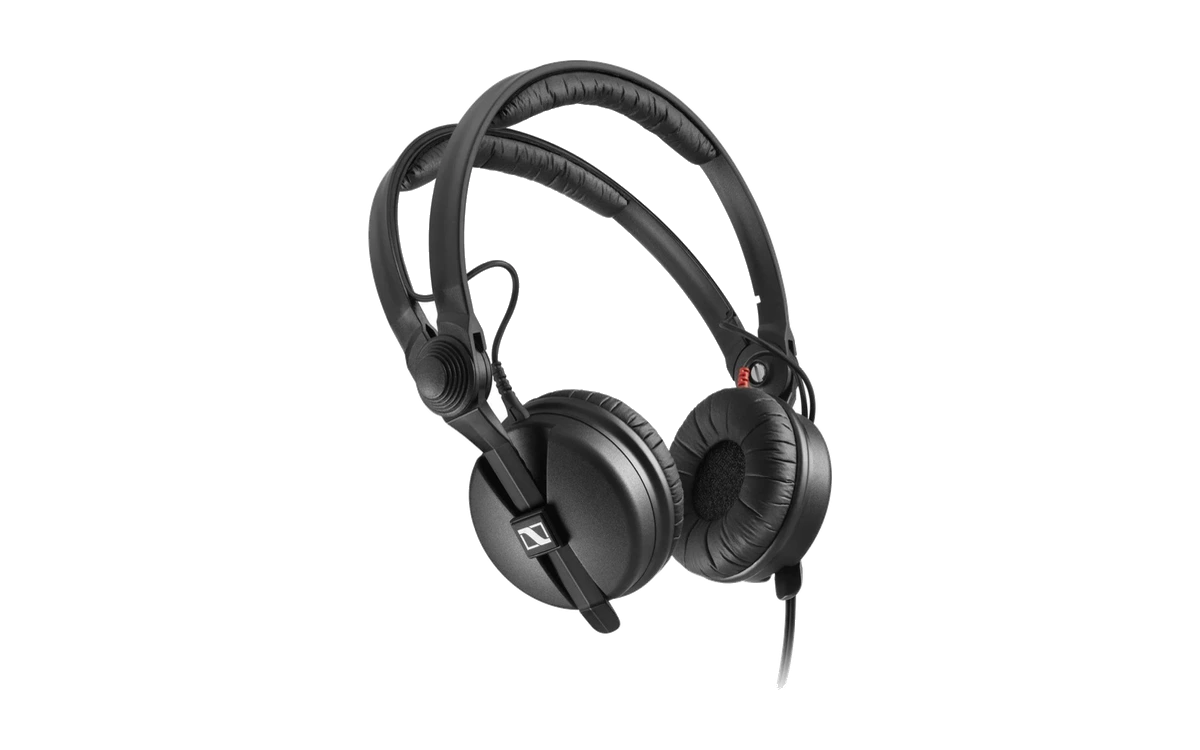
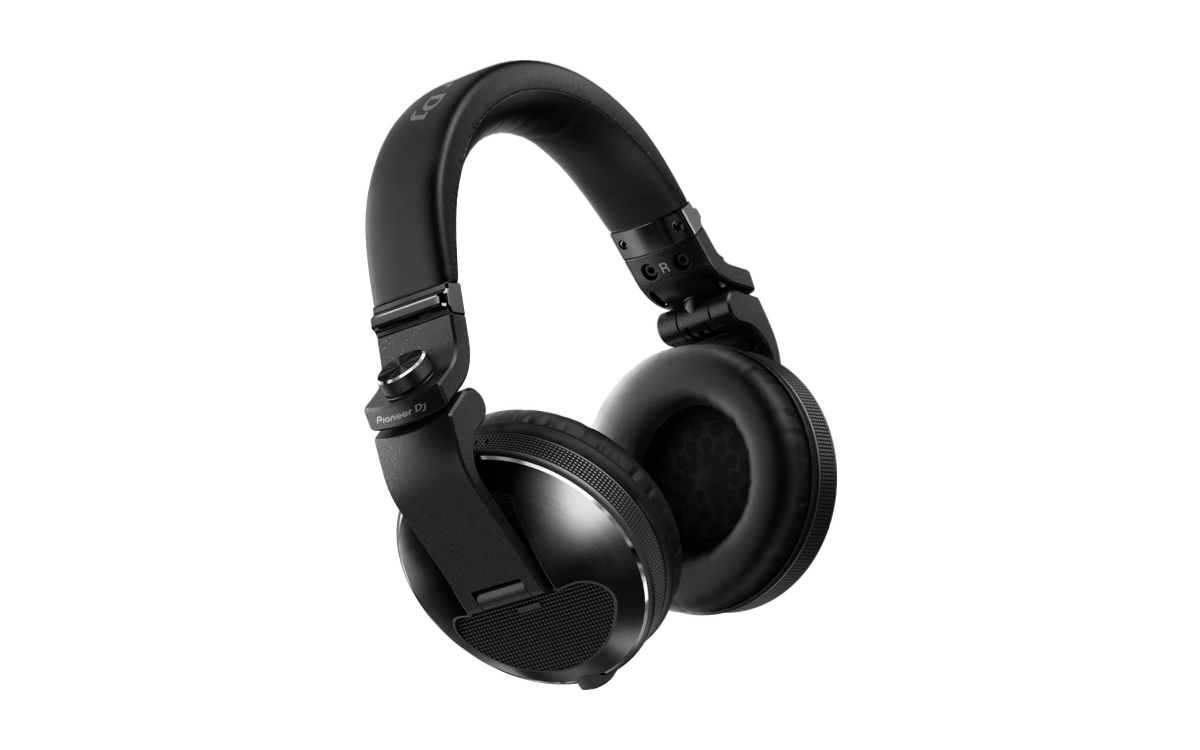
Mind the impedance: for the DDJ-FLX4, AlphaTheta requires at least 32 Ω — below that, headphones do not work on this unit. A mono jack plug does not belong in there either; the manual lists it as one of the cases where USB power stops being sufficient. Beyond that: closed-back rather than open, so the room does not bleed through.
How loud should the headphones be?
Quieter than it feels right in a club. The WHO-ITU recommendation puts the safe dose at 80 dB(A) over 40 hours a week, and every 3 dB more halves the time. Headphones sit right at the eardrum and add to the room level rather than replacing it. In practice: use one ear only, set the level against the music in the room rather than against the crowd, and never spend a whole night on both ears at full level.
What is split cue, and do I need it?
Split cue puts the cued channel on one ear cup and the master on the other instead of mixing them. Some mixers have a dedicated switch for it. Whether it helps is taste: anyone already working with one cup on the ear never needs it; anyone wearing both finds the kick faster with it. Try it before deciding you need it.
I hear nothing in the headphones — what do I check?
Four things, in this order: is the channel's CUE button actually on (it lights up)? Is the headphone level above zero? Is the mix knob all the way over to the master side while nothing is playing on the master? And do the headphones meet the impedance requirement? Only when all four check out is a faulty cable worth suspecting.
How long does it take to get cueing right?
You'll have the moves in one evening. Your ear takes longer: hearing two different tracks at once and still being able to judge one of them is a skill that builds over weeks. Practise with the mix knob in the middle even though it is tiring at first — anyone who only ever listens to one side never builds that skill.
Start practising
Hearing it before the room does
In DJLearn, cueing sits in the same phase as beatmatching — because neither works without the other.
Start for free