
Buyer's overview
DJ controllers: 17 devices at a glance
A controller is the way in for most people: two decks, a mixer and a sound card in one housing, plus the software. The differences lie less in the sound than in the size of the jog wheels, the EQ, and whether the layout matches what stands in a club later. We sort by price bracket because that is the first question — and every device also says what it cannot do.
up to €100
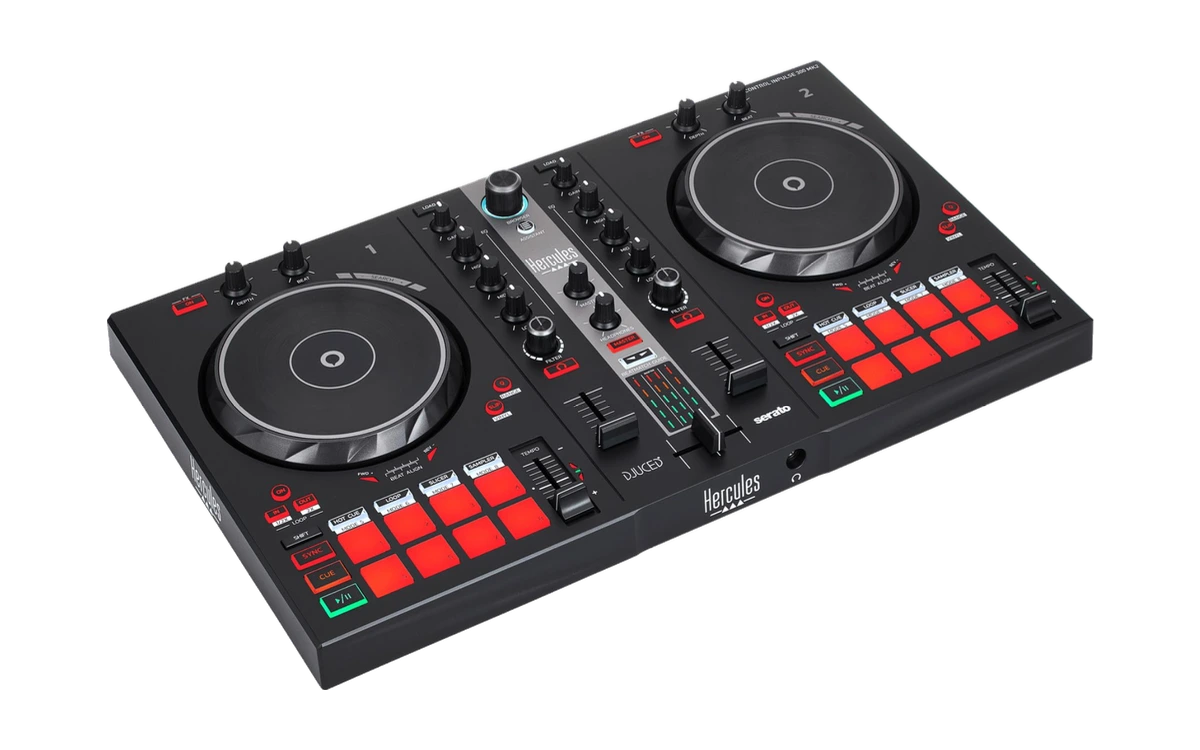
Hercules
DJControl Inpulse 200 MK2
The cheapest way in with jog wheels, faders and pads — for a first try.
- The cheapest way in
- Light and compact
- Simpler build quality
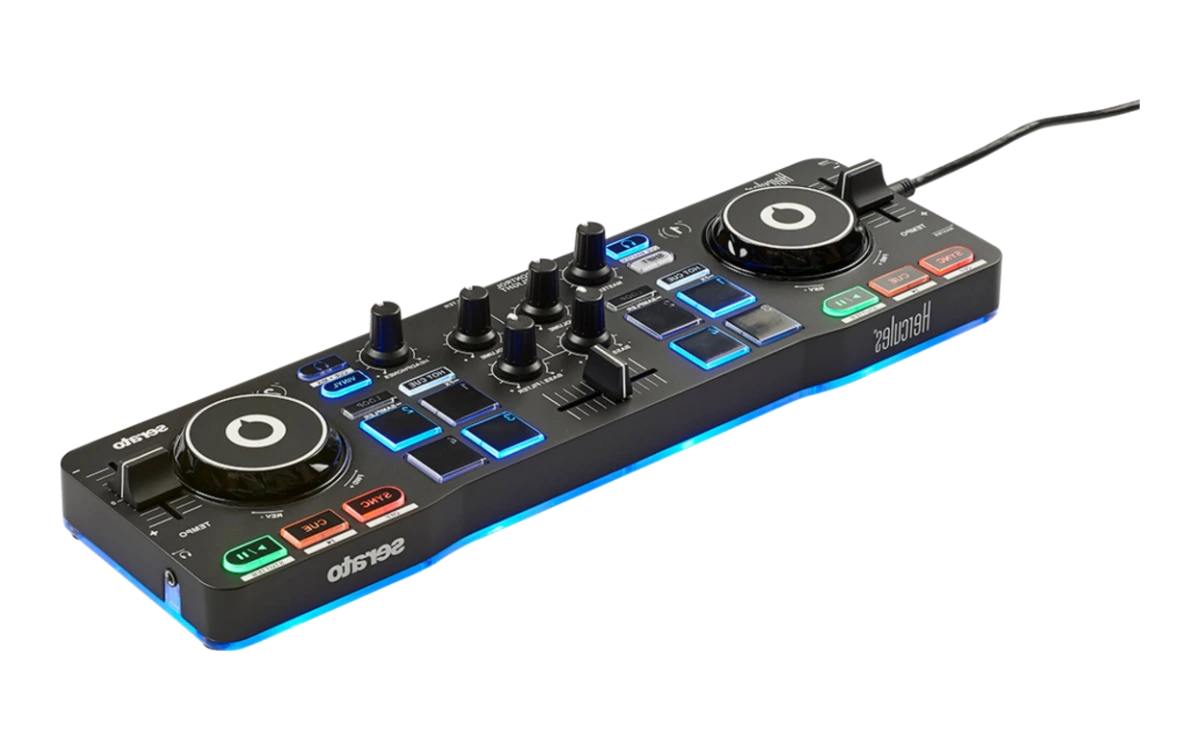
Hercules
DJControl Starlight
The smallest controller in the catalogue — two decks in pocket format, with DJUCED.
- The cheapest way in, full stop
- Fits in any bag
- Very small jog wheels
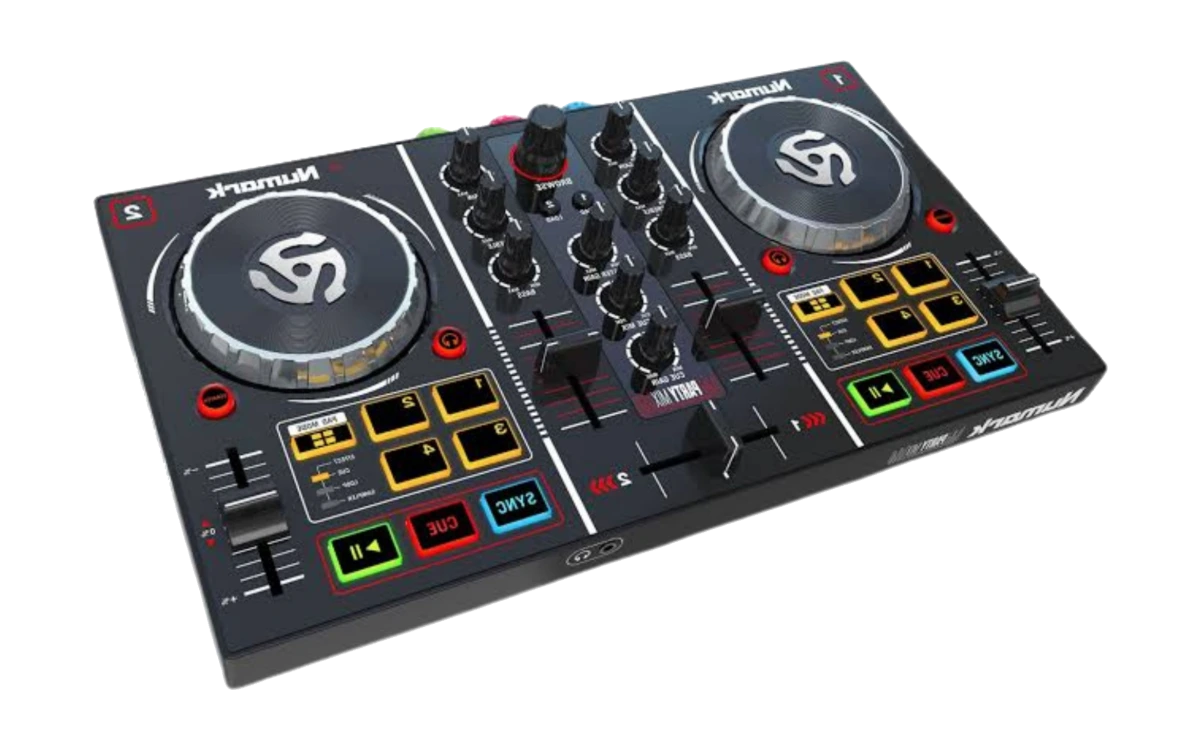
Numark
Party Mix II
A controller with a built-in light show — meant for the party, not for practice.
- The lights are built in
- Very cheap
- Tiny jogs, barely suitable for learning
€100 to €200
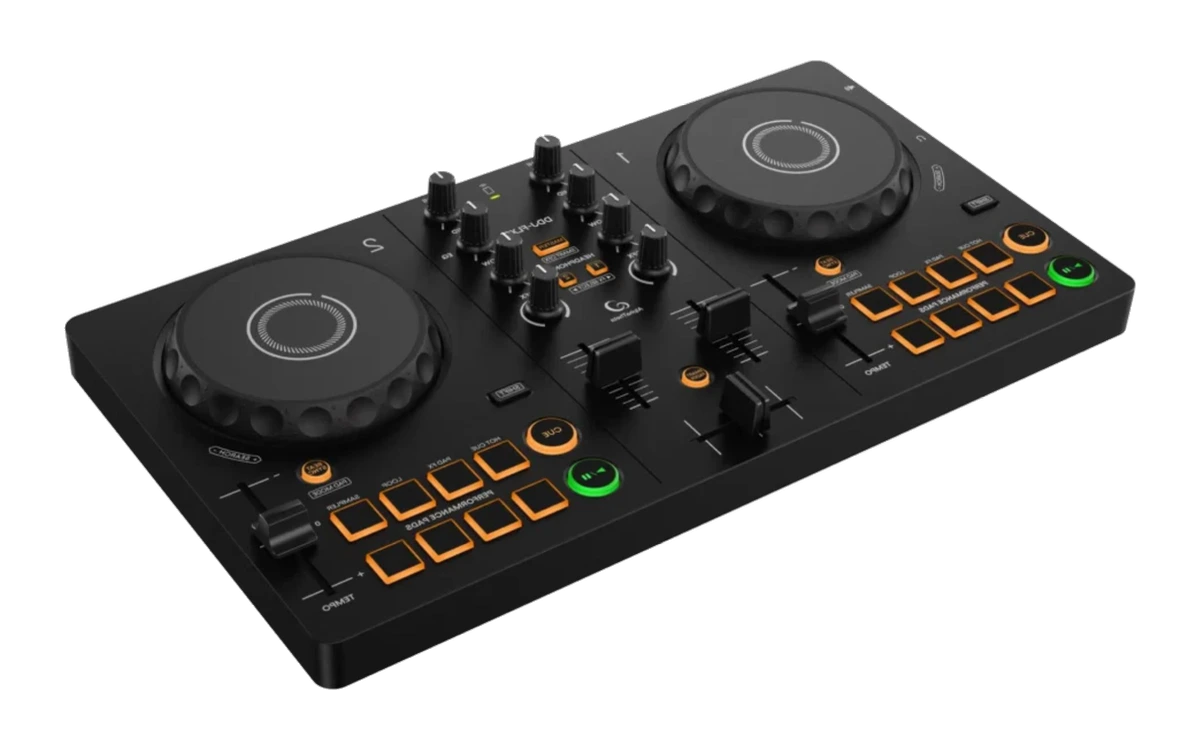
AlphaTheta
DDJ-FLX2
The successor to the DDJ-200 with a built-in sound card — the device DJLearn teaches on.
- Built-in sound card
- Runs with rekordbox, Serato DJ Lite and djay
- Two channels, no club layout
Pioneer DJ
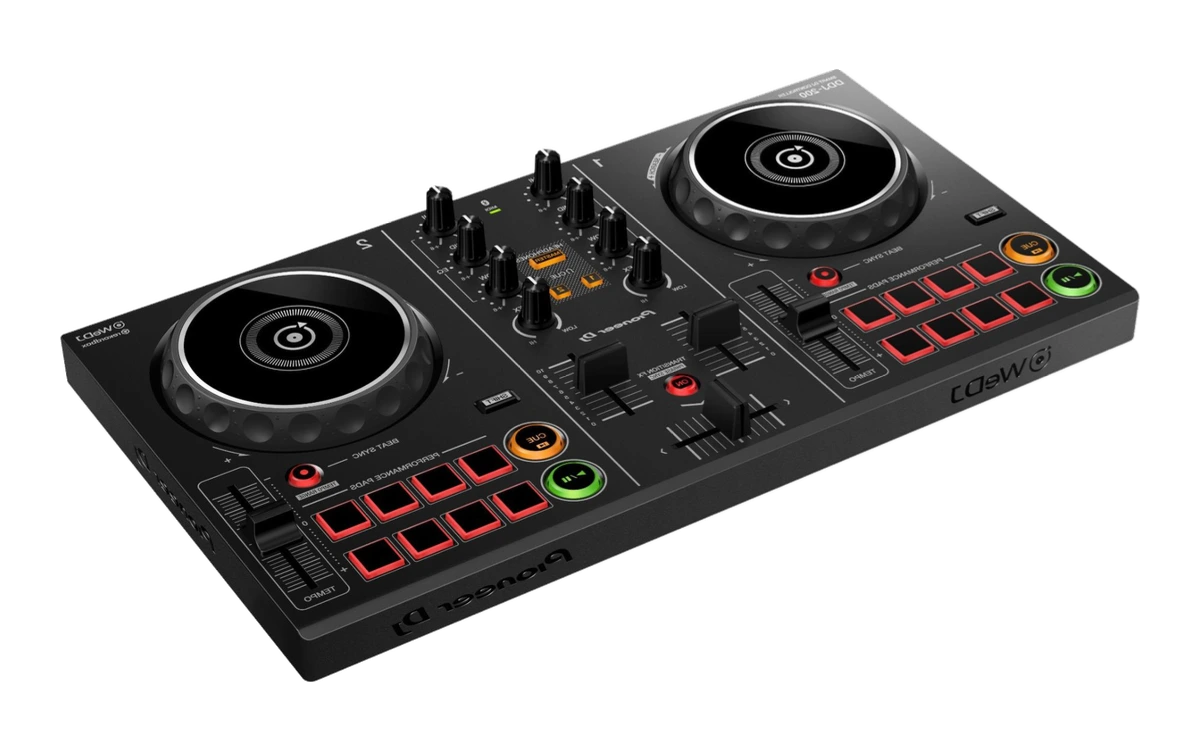
DDJ-200
The former beginner standard — no longer sold new, still common second-hand.
- Cheap second-hand
- Runs with rekordbox, WeDJ and djay
- No built-in sound card — the sound comes from the laptop or phone
Hercules
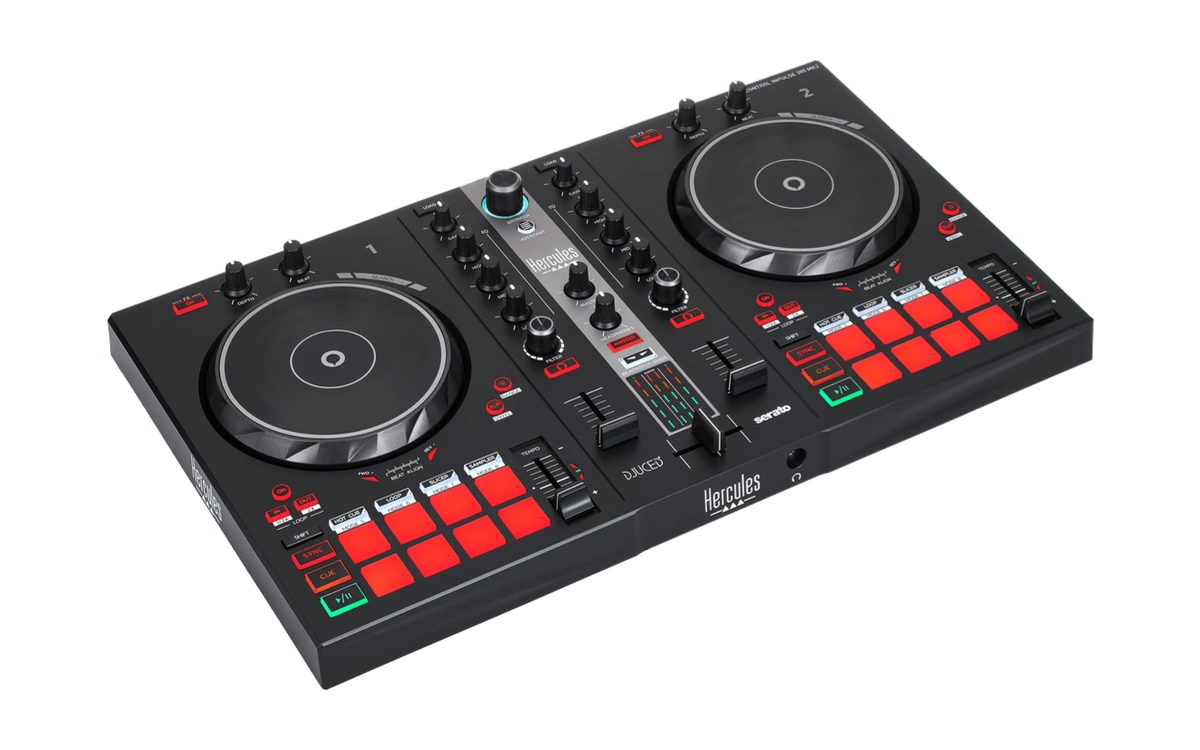
DJControl Inpulse 300 MK2
The Inpulse 200's big brother: more pads, more buttons, beatmatch help with light guides — for DJUCED and Serato DJ Lite.
- Beatmatch Guide: light arrows show tempo and phase
- 3-band EQ per channel
- Plastic, no club layout
€200 to €350
Pioneer DJ
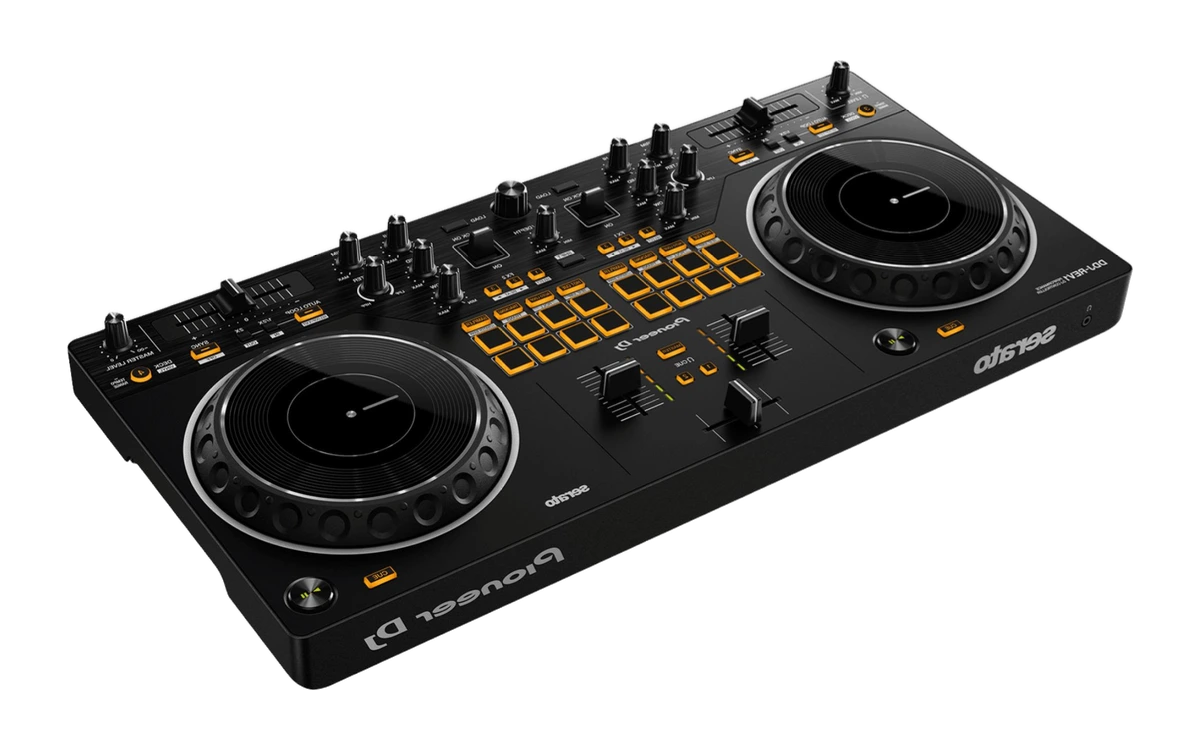
DDJ-REV1
A battle-layout controller with horizontal tempo faders — built for scratching and Serato.
- Battle layout like on turntables
- A real filter knob
- Unusual layout for classic mixing
Pioneer DJ
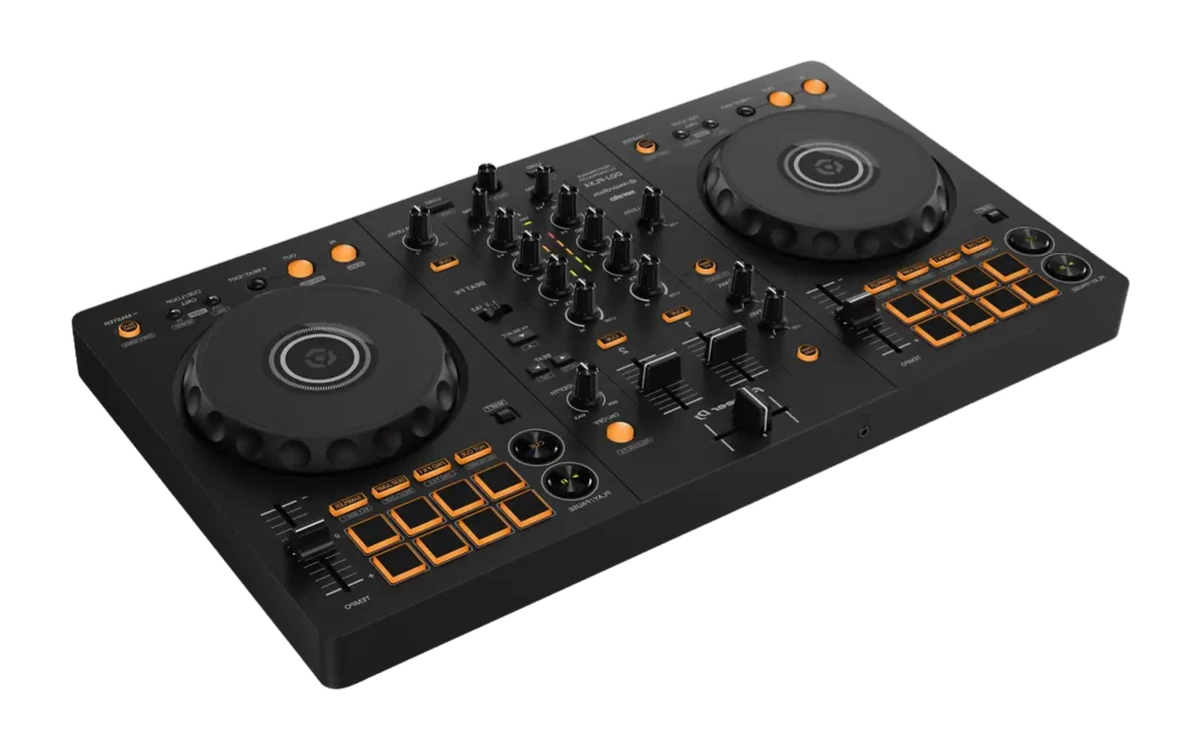
DDJ-FLX4
The standard beginner controller with a club layout, sound card and Bluetooth input.
- Club layout, moving to CDJs is easier
- Runs with rekordbox and Serato
- More expensive than the FLX2
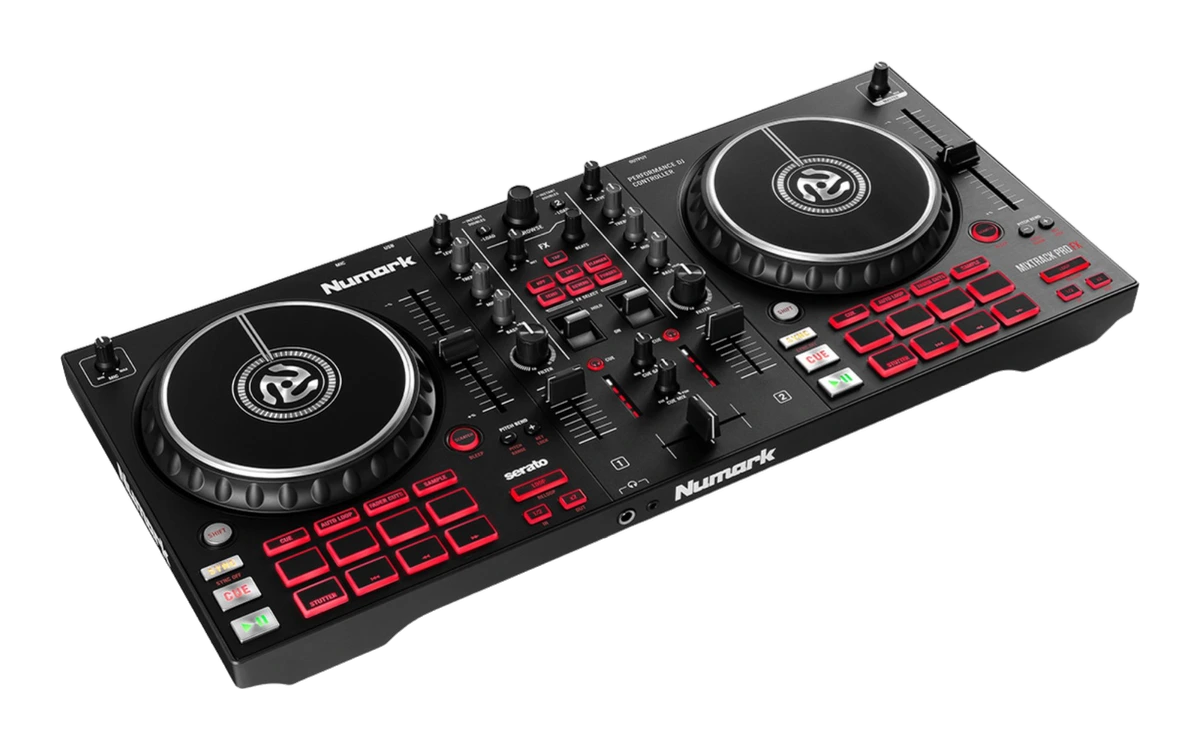
Numark
Mixtrack Platinum FX
Two decks for Serato DJ Lite with displays in the jog wheels and FX paddles — Numark's entry-level classic.
- Jog wheel displays show BPM and position
- Four decks via layer switching
- Plastic housing, lighter than the Pioneer class
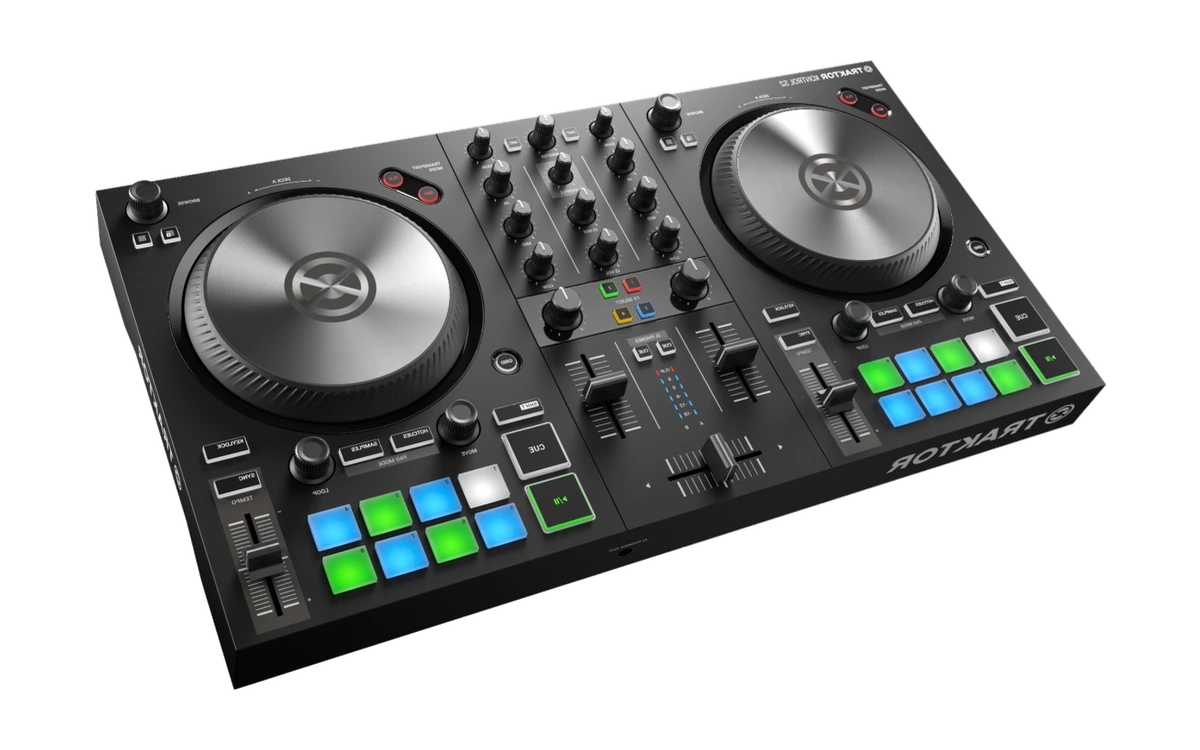
Native Instruments
Traktor Kontrol S2 MK3
Two channels, large jog wheels, Traktor layout — the compact entry point for anyone who wants to work with Traktor.
- Maps one to one onto Traktor Pro
- Large jog wheels, clear layout
- Only makes sense with Traktor — the wrong choice for rekordbox or Serato
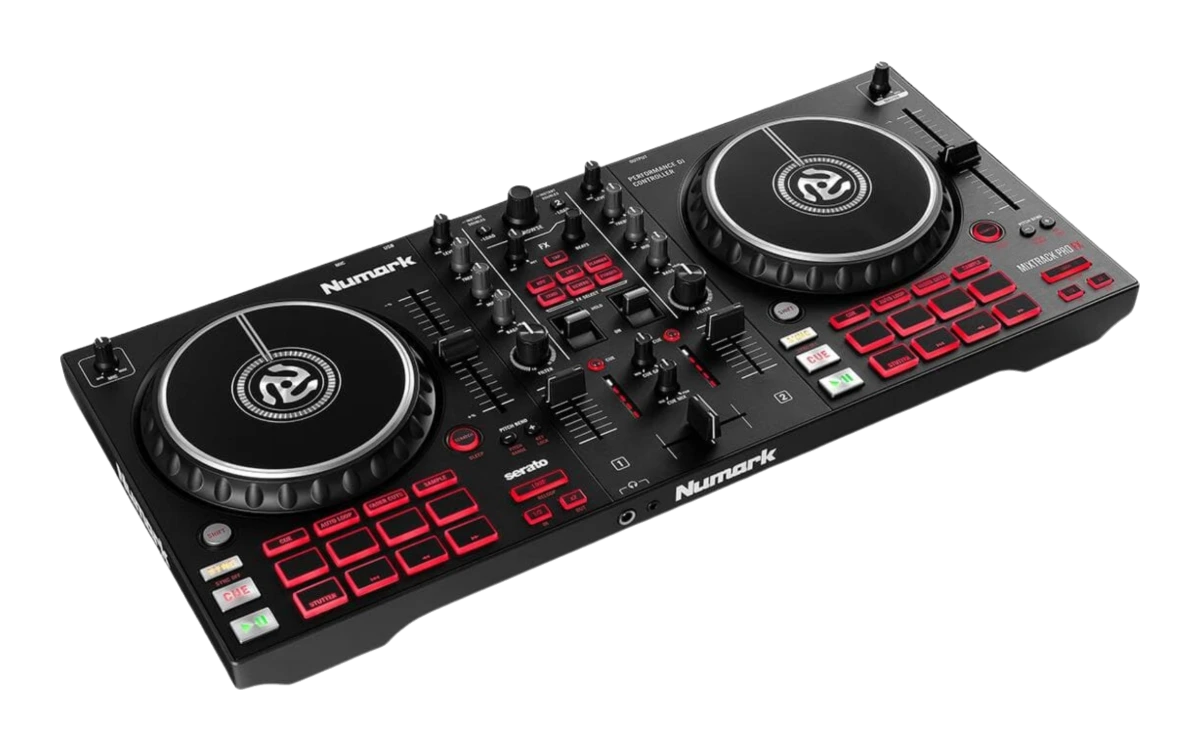
Numark
Mixtrack Pro FX
The smaller sibling of the Platinum FX — same layout, without the jog displays.
- Full-size jog wheels instead of mini platters
- Effect paddles for quick moves
- Not a club standard
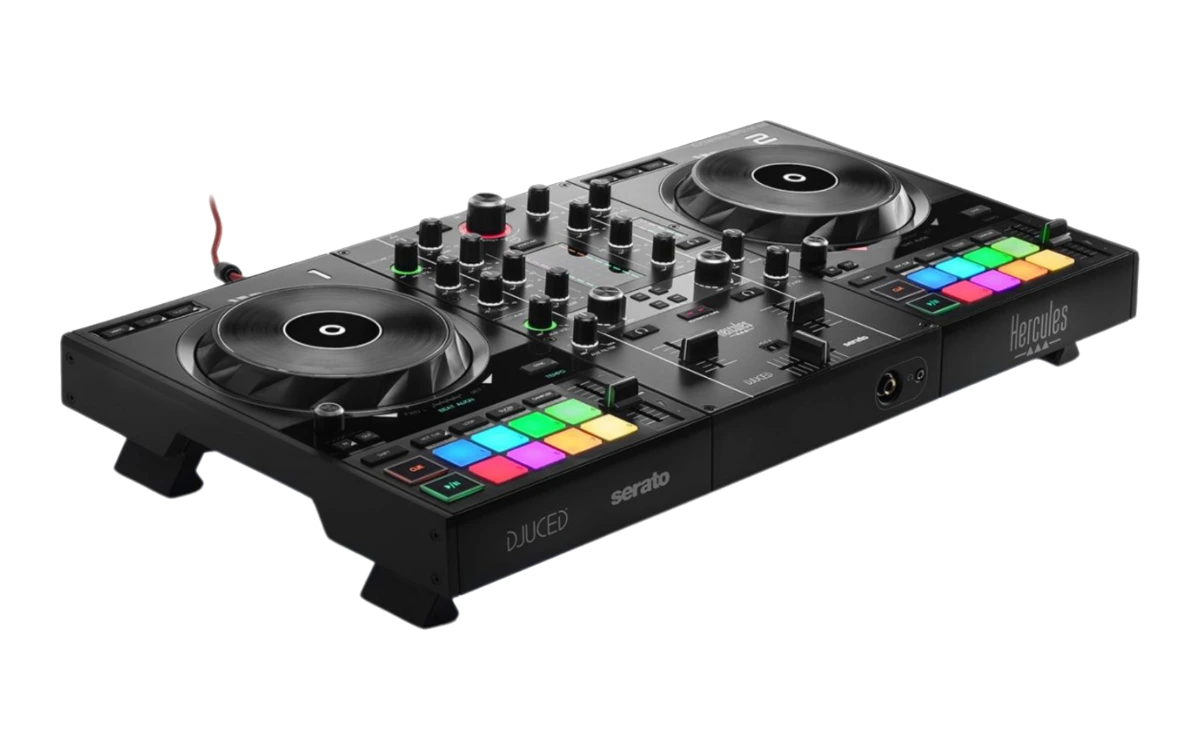
Hercules
DJControl Inpulse 500
The biggest Hercules with learning aids — light guides that show along while you beatmatch.
- Learning aids right on the unit
- Three-band EQ per channel
- Learning aids are training wheels — switch them off eventually
€350 to €600
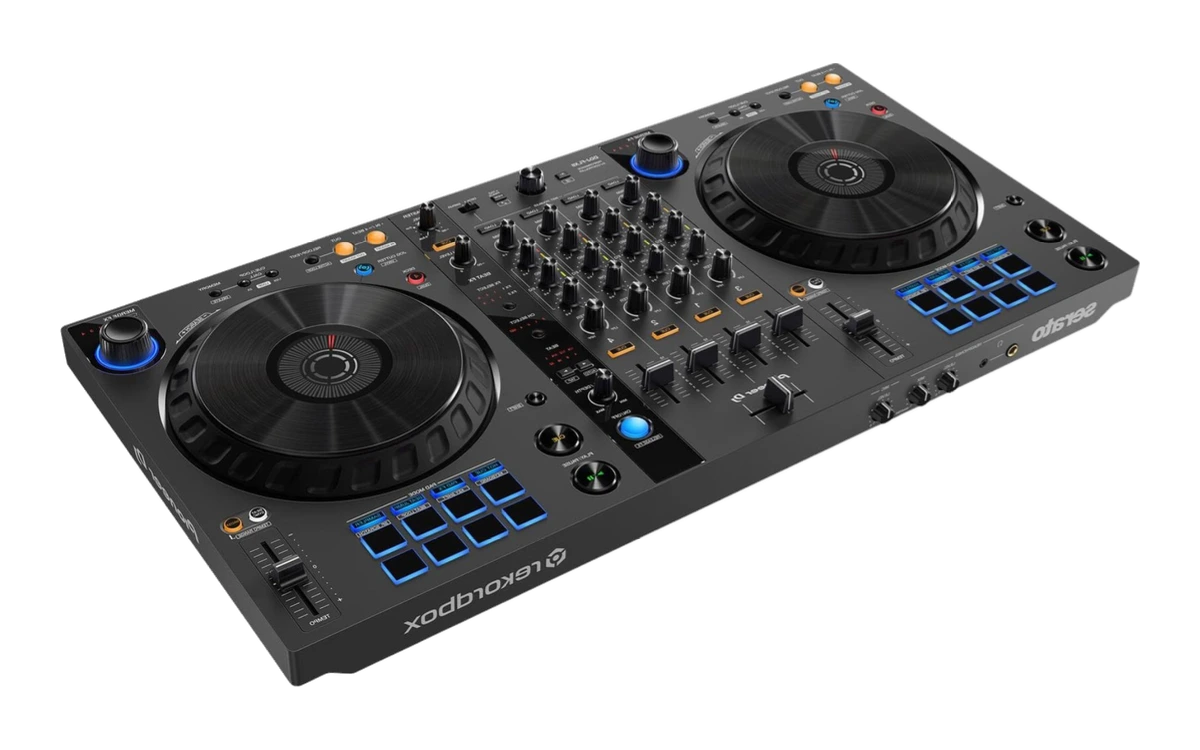
Pioneer DJ
DDJ-FLX6-GT
Four channels, large jog wheels and Merge FX — the step after the first controller.
- Four channels
- Large jog wheels
- Big and heavy
over €600
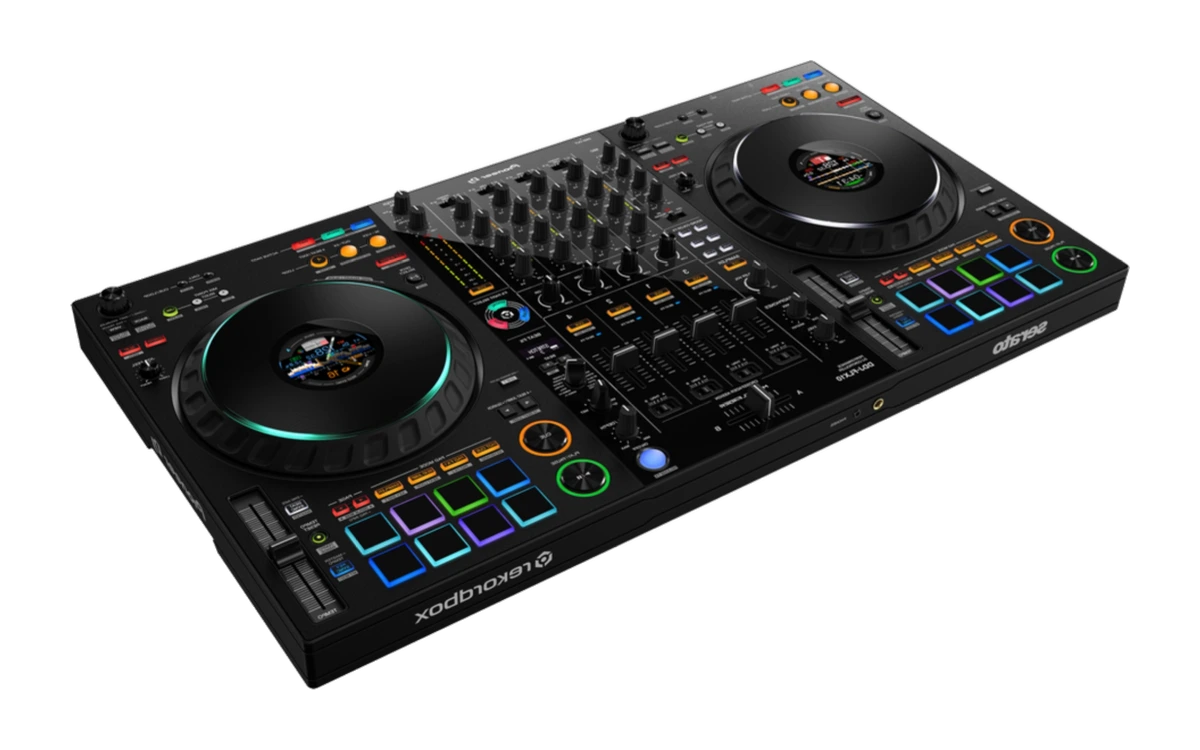
Pioneer DJ
DDJ-FLX10
Four channels, club layout, rekordbox and Serato — with stems control right on the unit.
- Runs with rekordbox and Serato DJ Pro
- Stems (track separation) on the unit
- Big, heavy and expensive for a unit that still needs a laptop
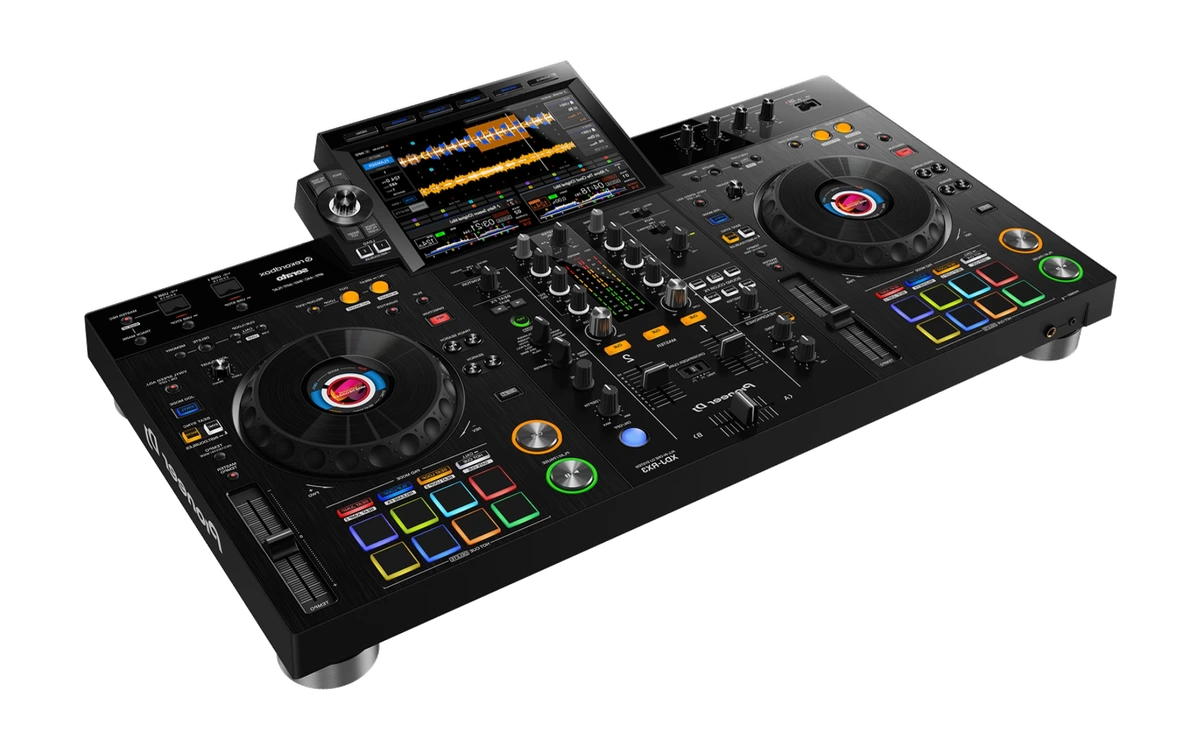
Pioneer DJ
XDJ-RX3
Two players and a mixer in one housing with a large touchscreen — plays rekordbox libraries from a USB stick, no laptop.
- Standalone: plug in a USB stick, no computer needed
- Operates like a CDJ and DJM
- Considerably more expensive than any controller
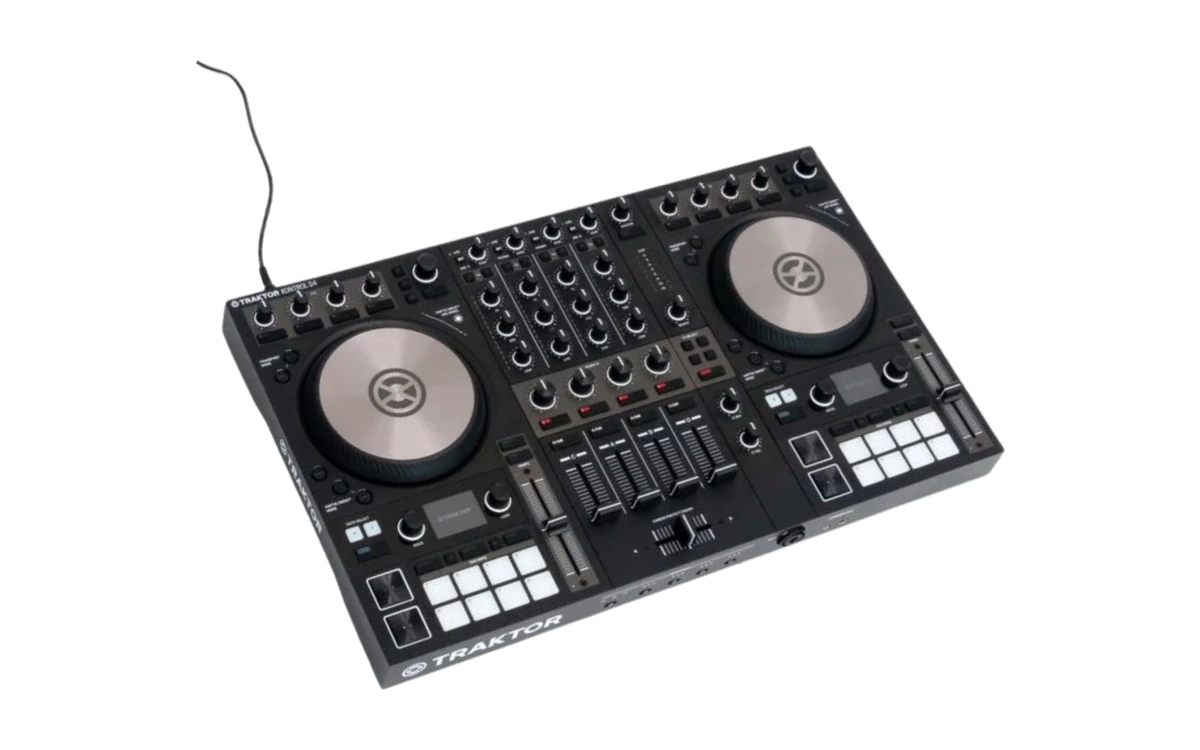
Native Instruments
Traktor Kontrol S4 MK3
Four channels and motorised jog wheels with Haptic Drive — the Traktor flagship among controllers.
- Haptic Drive: motorised jog wheels with cue points you can feel
- Four channels, inputs for turntables and external players
- Big and heavy
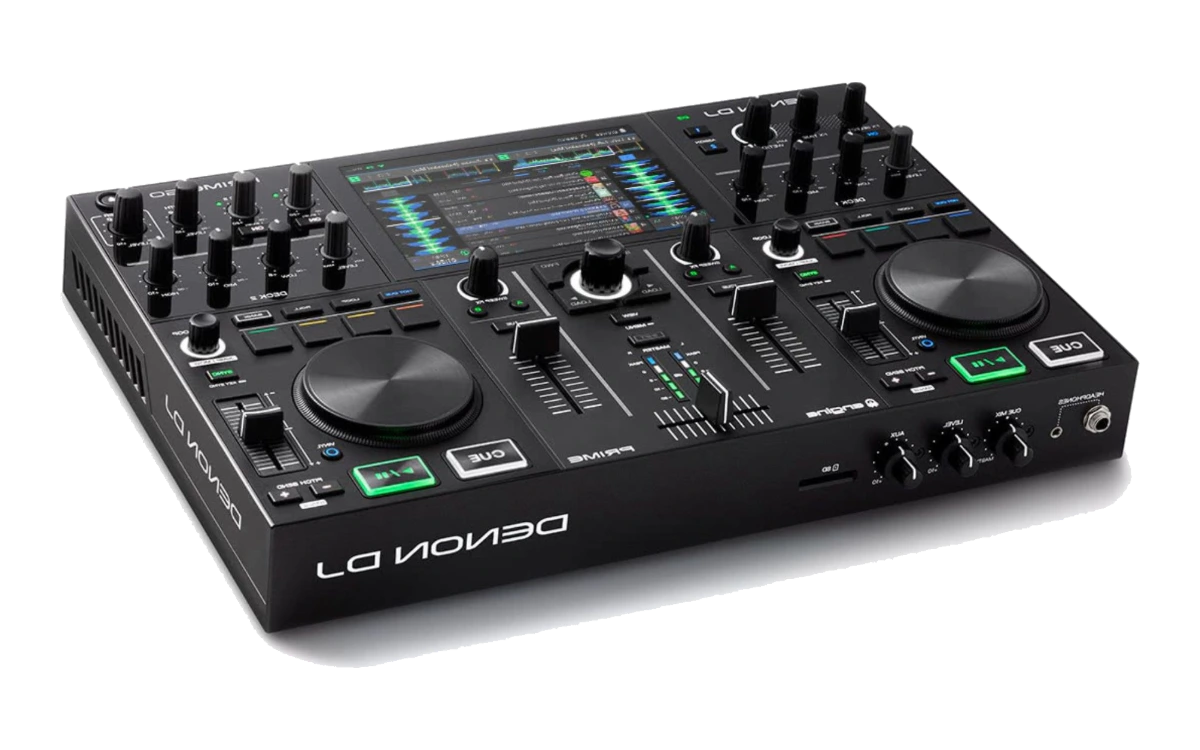
Denon DJ
Prime Go
A standalone unit with a battery — plays without a laptop and without mains power.
- Battery on board: runs off mains
- No laptop needed
- Only two channels at that price
Frequently asked questions
The questions people actually ask before buying — answered from what we can back up. Daily prices are deliberately not part of it.
- Which DJ controller is right for beginners?
- One with two decks, usable jog wheels and a bundled software licence. The entry class does everything you need in order to learn — what it lacks is large jog wheels, a full channel strip and outputs for a PA. Start at the bottom and only move up once something specific bothers you.
- How much should a DJ controller cost?
- The lowest price class is enough to learn on. Above it you are mainly paying for larger jog wheels, a proper mixer channel strip with EQ, and connections that let you play a party. The top class is where standalone units start, which run without a laptop — nobody starting out needs that.
- Do I need a separate mixer as well?
- No. A controller already contains the mixer and the sound card. A standalone mixer only becomes relevant once you work with turntables or separate players.
- What software do I need with it?
- Almost every controller comes with a licence. Which one it is is decided by the manufacturer, not by you: a unit does not simply run with any program. If you have already settled on a piece of software, check compatibility before buying — that is not something you can change afterwards.
Other categories
Everything together, filterable by setup and budget, is in the catalogue. Why we recommend what we recommend is in the buying guide. To the equipment catalogueTo the buying guide