
What headphones are for when DJing
DJ headphones are not a listening-pleasure device but a working tool with exactly one job: putting the NEXT track in your ear while the room hears the current one. On them you make the decisions nobody should hear before they are right — does the tempo fit, does the key fit, where is the one.
Technically this works the same on every controller: the channel's CUE button sends that channel to the headphone output, the headphone level knob sets its volume — independent of what the room hears. The beginner controller's manual even describes the order: level fully down, connect the headphones, select CUE, only then turn it up.
The three criteria that count
Everything else — colour, brand, sound signature — is taste. These three are function.
| Criterion | Why it counts | What to look for |
|---|---|---|
| Room isolation | A closed design that keeps the room out | You are comparing the headphone signal and the room signal. An open design mixes both — then you are not comparing any more, you are guessing. |
| Build & durability | Swivelling cups, sturdy hinges, replaceable pads and cable | One-eared wearing, on and off every minute, crumpled into a bag — DJ headphones live a harder life than living-room headphones. |
| Cable instead of wireless | A cable long enough for arm's length above the gear, ideally single-sided and detachable | The wireless delay never bothers you listening to music and always bothers you cueing — it sits exactly between your move and what you hear. And a cable has no battery to die mid-set. |
| Headroom, not constant level | Enough volume headroom to briefly get above a loud room — not to stay there permanently | The headroom is for the moment of cueing. Running it as the default setting is paid for with your hearing — the rules are in the box below. |
The loudest device sits right on your ear
When DJing, the headphones are the biggest danger to your hearing — not the sound system. They sit right on your ear, and in a loud room their level creeps up unnoticed because you want to hear them over the room. The two rules against it: level down before putting them on, and when the comparison does not work, check gain and monitor volume instead of cranking the headphones further.
What too much level does over the years and how to protect yourself has its own guide: hearing protection for DJs — with the sources this topic deserves. The short version here: your hearing is your instrument, and the headphone level knob is its most important protection.
The one-ear technique, step by step
Ten minutes at the gear, one track running, one to cue. The goal is not perfection but getting the switch between headphones and room into your hands.
Level down BEFORE you put them on
Turn the headphone level knob fully down, only then put them on, and raise it slowly. That is exactly the sequence the beginner controller's manual recommends — it protects your hearing from the one second in which the knob is still open from last time.
Send the right channel to the headphones
The channel's CUE button decides what you hear: channel 2 pressed while channel 1 plays in the room — now the next track sits on your ears without the room hearing it.
One cup on the ear, one ear to the room
Headphones on one ear only, the other cup turned behind the ear or onto your neck. In one ear the incoming track, in the other the room — you hear both worlds at once and can compare them.
Match the volumes
The comparison only works when both sides are similarly loud. Headphones too quiet: you only hear the room. Too loud: you only hear yourself. Set the headphones so neither side wins — and do NOT turn the room up to get there.
Practise the switch for ten minutes
On, off, on, off: cue the track, drop the cup, check the room, put it back on. The move should become as natural as turning a page while reading — then you will never think about your headphones while DJing again.
The typical mistakes
The bass-boost headphones from music listening
Headphones that flatter the bass colour every decision: the next track sounds fuller in your ear than the room is about to hear it. For cueing you want to hear what is there — not what pleases.
Bluetooth, because it is convenient
The wireless delay turns cueing into guesswork — you do not hear what you are doing, you hear what you just did. Great for the sofa, a handicap at the gear.
Both cups on, all night
Shutting the room out means mixing for yourself instead of the room — and missing it when things out there have long tipped. The cup belongs on your ear while you cue, and off when you are done.
Turning up instead of finding the cause
When you can barely hear your headphones, the headphones are rarely the problem: usually the cued channel's gain is off or the monitor is too loud. Check the chain first, then — maybe — touch the level.
What to actually look for when buying
No model names, on purpose: models change, criteria stay. Check these four points and you buy right — in any price range.
Spare parts available
Pads, cable and headband individually replaceable
Closed and swivelling
Closed cups, at least one of them swivelling by 90 degrees
The cable as a criterion
Long enough for movement above the gear, single-sided, ideally detachable
The honest budget answer
For learning, whatever isolates and endures is enough — second-hand too
One pick per budget
Headphones: our pick per price class
The models this guide points to — closed, swivelling, loud enough.
Chosen by the same rules as the setup finder: in each price class “Recommended” first, then “Step up”, then “Entry level”. Whether and where we earn from a purchase has no say in the ranking. And every card also says what speaks against the unit.
- up to €100Entry level
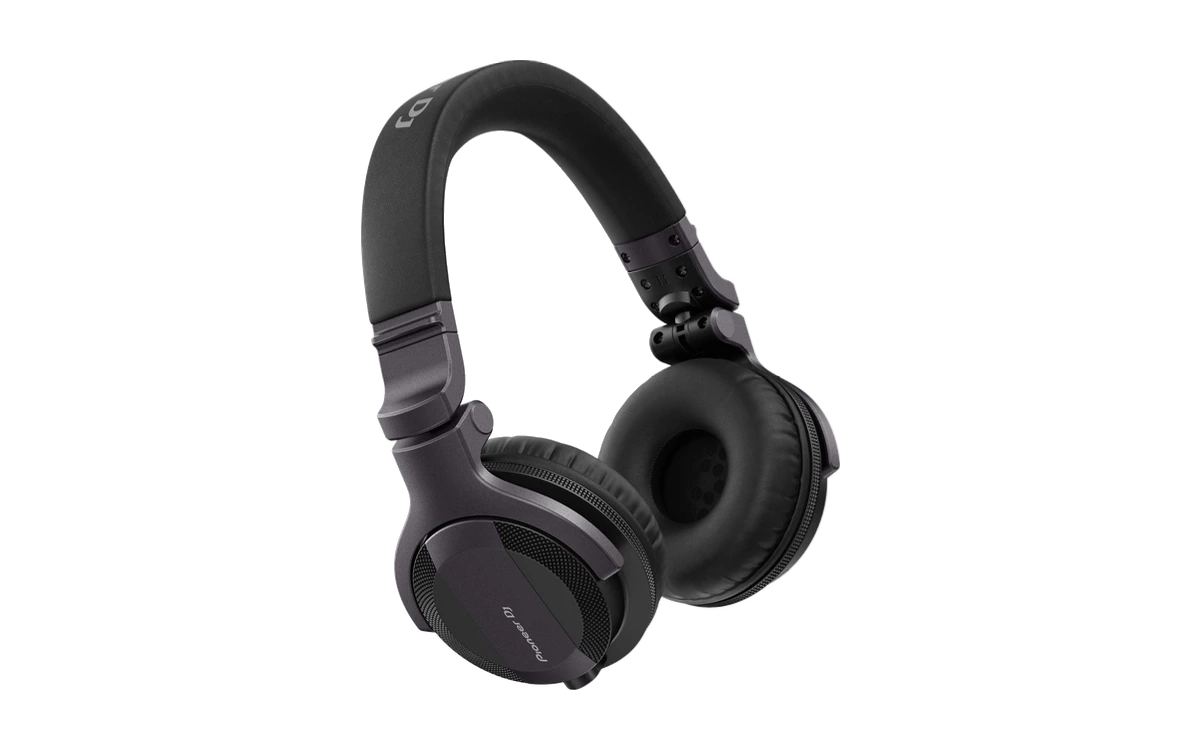
Pioneer DJ
HDJ-CUE1
Who it is for: Anyone who needs real DJ headphones for the first time and wants to spend little.
- In its favour: Closed back, blocks out the room
- Against it: Plastic housing
- €100 to €200Recommended
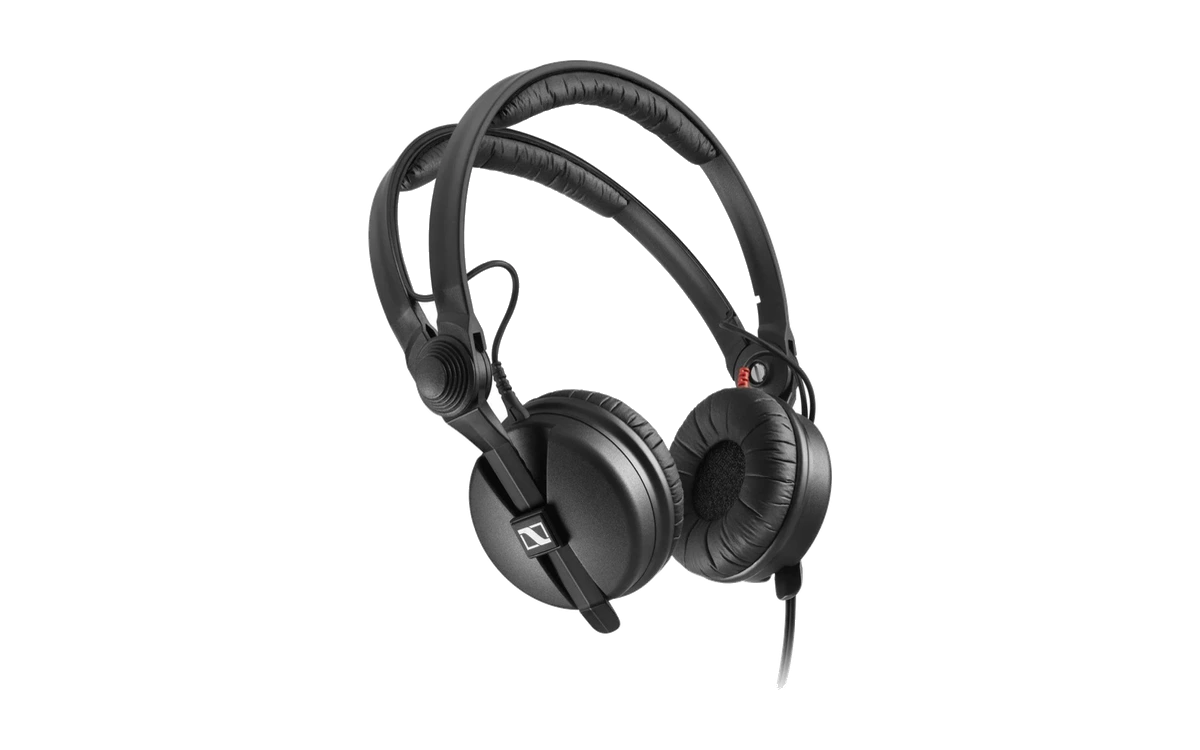
Sennheiser
HD 25
Who it is for: Anyone who wants headphones whose every part can be bought as a spare.
- In its favour: Every part available individually as a spare
- Against it: Tight fit — not everyone likes that for hours
- €200 to €350Step up
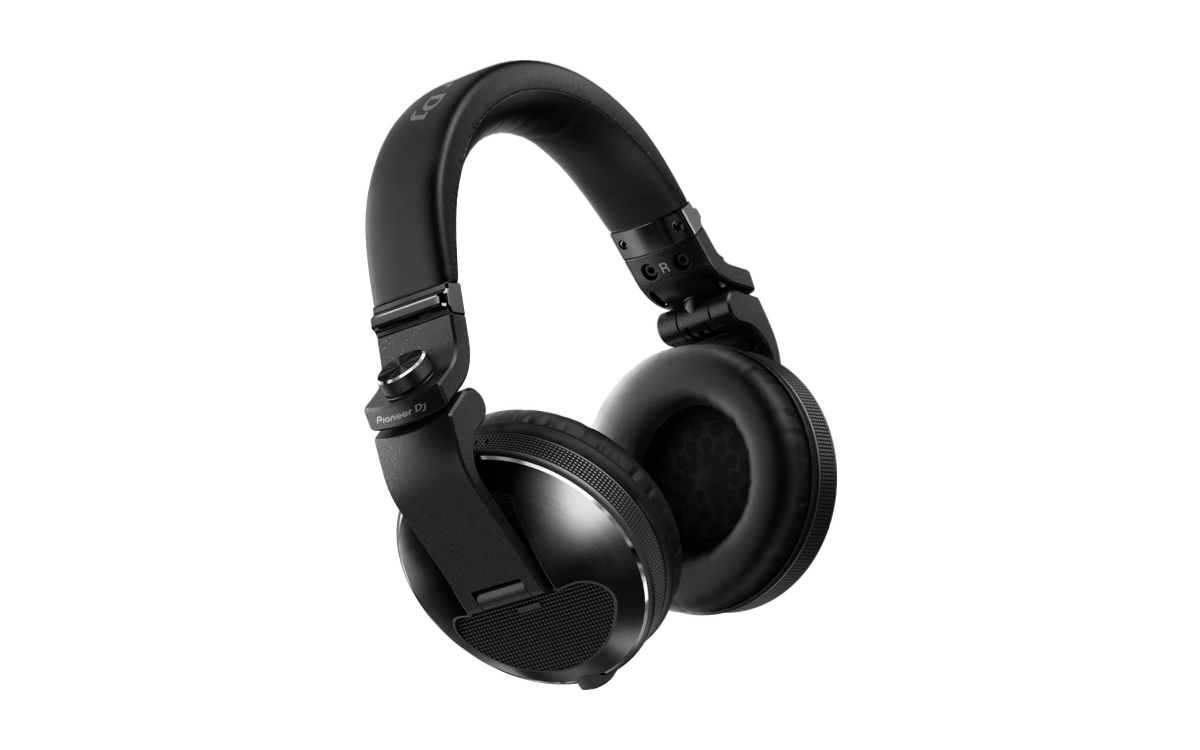
Pioneer DJ
HDJ-X10
Who it is for: Anyone playing several times a week who wants headphones that survive that for years.
- In its favour: Powerful bass, high isolation
- Against it: Expensive for DJ headphones
Where it says “Ad” we earn a commission if you buy through the link — on the other routes we earn nothing. Either way you pay the same price, and it changes nothing about our recommendation. How we handle this
Cueing itself — when you listen, what you compare, how you find the one — has its own guide and its own chapter in the free DJLearn learning path. The headphones are just the tool; learning to cue is the skill.
Frequently asked questions about DJ headphones
Do I need expensive DJ headphones?
Not for learning. What they must do: keep the room out, survive one-eared wearing and go loud enough without distorting. Affordable DJ models can do that. Expensive becomes sensible once you play regularly — then you are paying for spare parts, build quality and comfort over hours, not for better sound while cueing.
Why no Bluetooth for DJing?
Because the wireless link delays. Listening to music you never notice — while cueing, exactly that delay sits between what you do and what you hear, and turns timing decisions into guesswork. Add the battery as a second clock that can run out mid-set. A cable has neither problem.
One ear or both ears?
The classic working technique is one ear: one cup on the ear with the next track, the other ear open to the room with the running one. That way you compare both signals at once — the foundation of beatmatching as the DJ textbooks have described it for decades. Both cups you only need briefly, when you have to focus on a detail.
Do in-ears work?
There are DJs who work with in-ears — but as a beginner you make life hard for yourself: the one-ear technique means constantly putting them on and off, and that is more awkward with a plug in your ear than with a cup you push onto your neck. If you already own in-ears, practise with them; do not buy them specifically for this.
Are my normal headphones enough to start?
For the first weeks at the laptop: yes, use what you have — no purchase should keep you from starting. At the controller they hit limits: many devices have a big jack socket, open headbands let the room through, and delicate hinges resent one-eared wearing. DJ headphones are a sensible second purchase, not a mandatory first one.
Start learning
Learn to cue — with the gear you have
The free learning path takes you from the first beat to a set that carries — with exercises at the gear, not in your head.
Start for free