What's actually different
The common worry goes: “I can't operate the gear.” That's rarely the problem. Anyone who mixes cleanly on a controller finds their way around club players in half an hour — the controls have the same names and do the same things. What actually is different are three things:
The music comes off the stick, not the laptop. Players read from USB. Whatever was not exported beforehand is not there — no analysis, no cues, no playlists, no loading it later.
There is no big screen. Instead of the wide waveform on the laptop you get a small display and a dark room. Anyone who has only mixed by eye notices here, for the first time, that they have been mixing by eye.
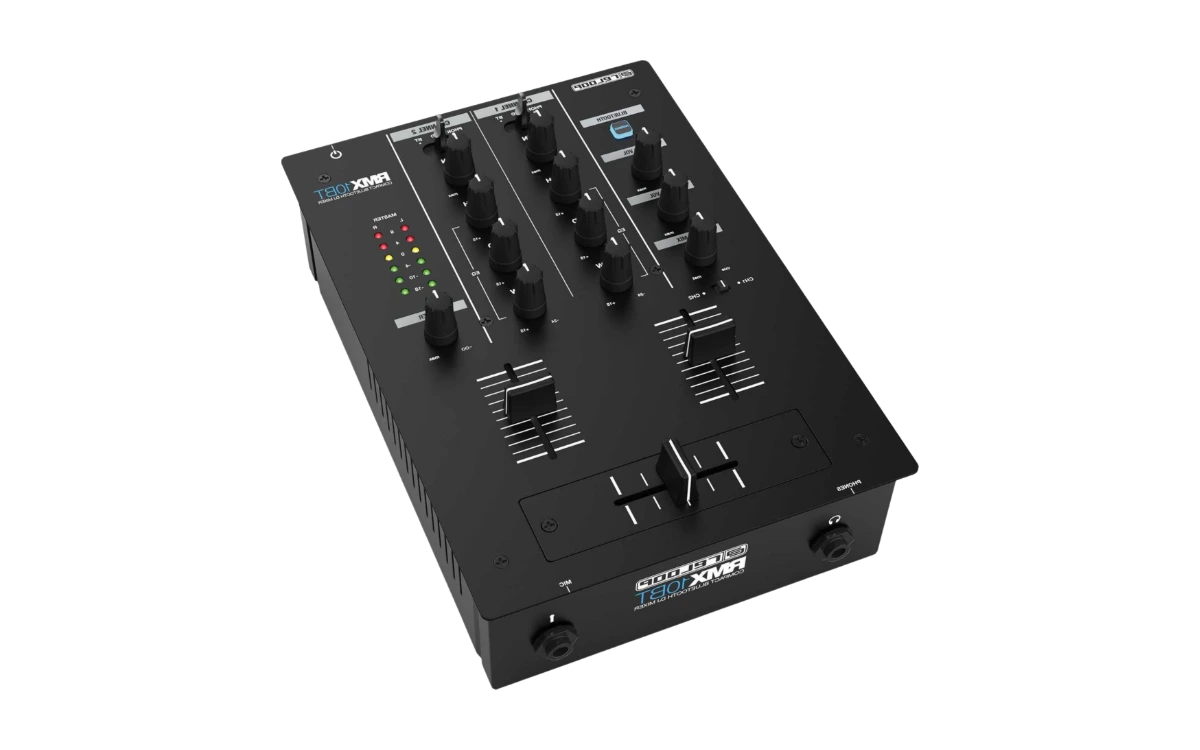
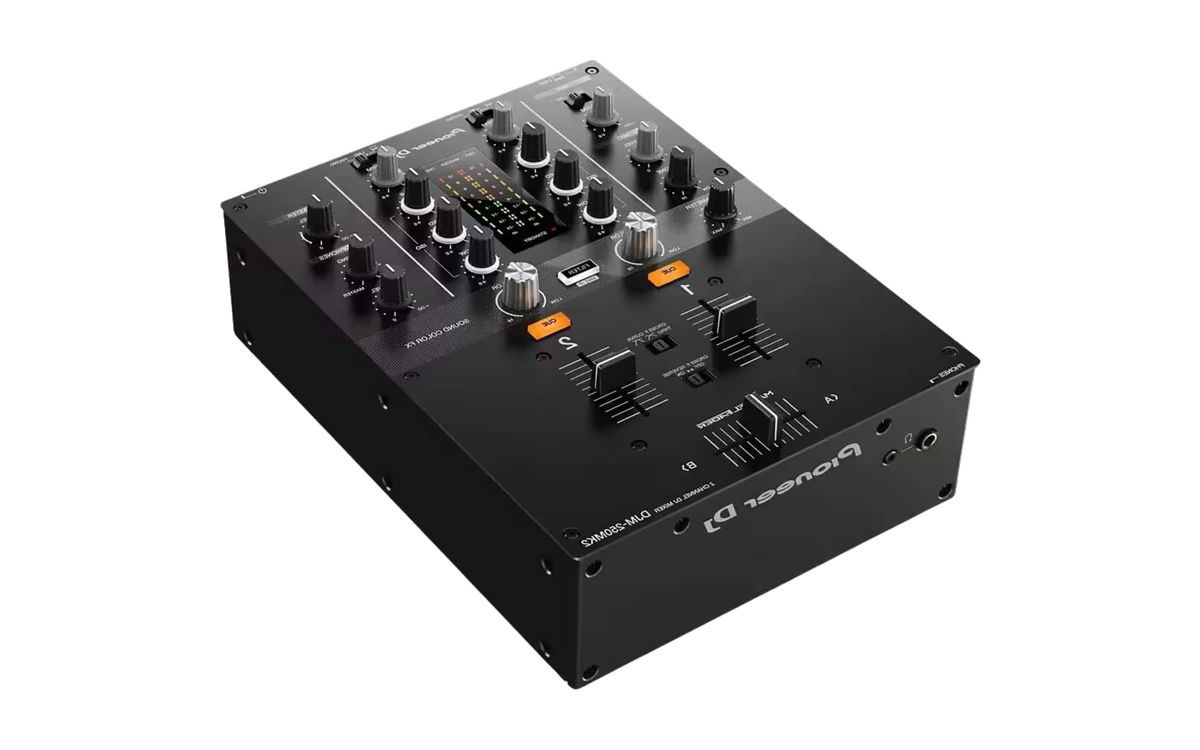
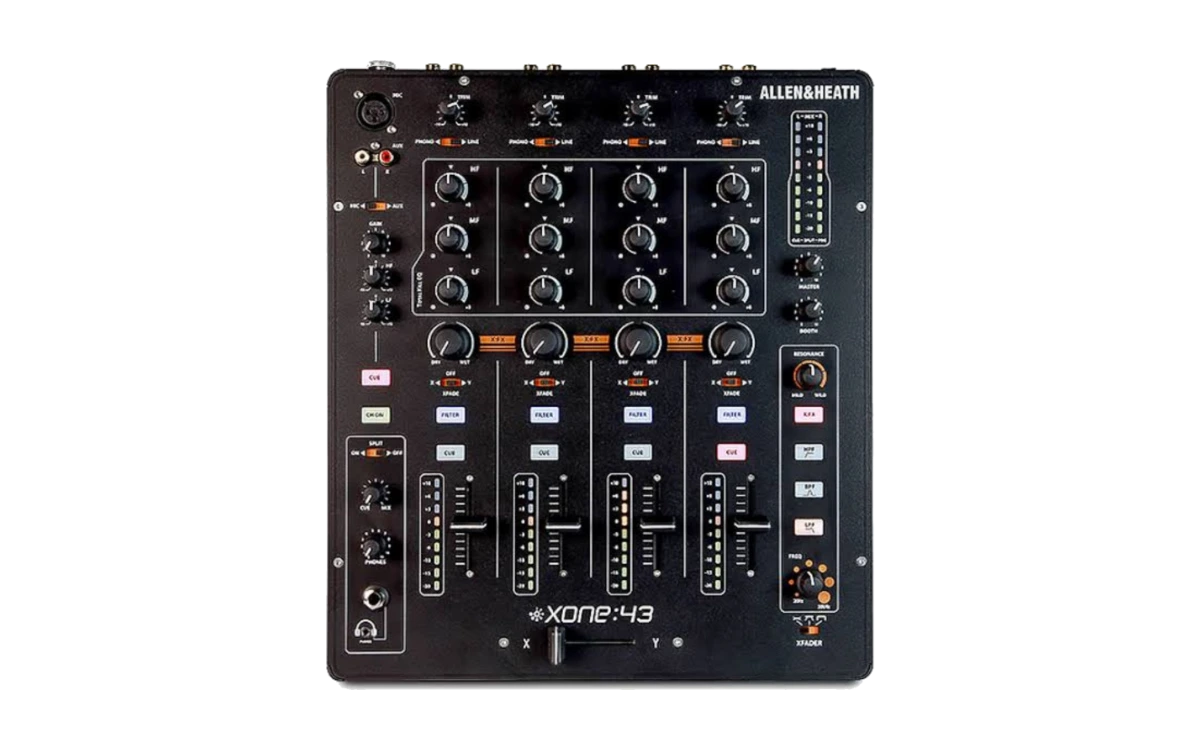
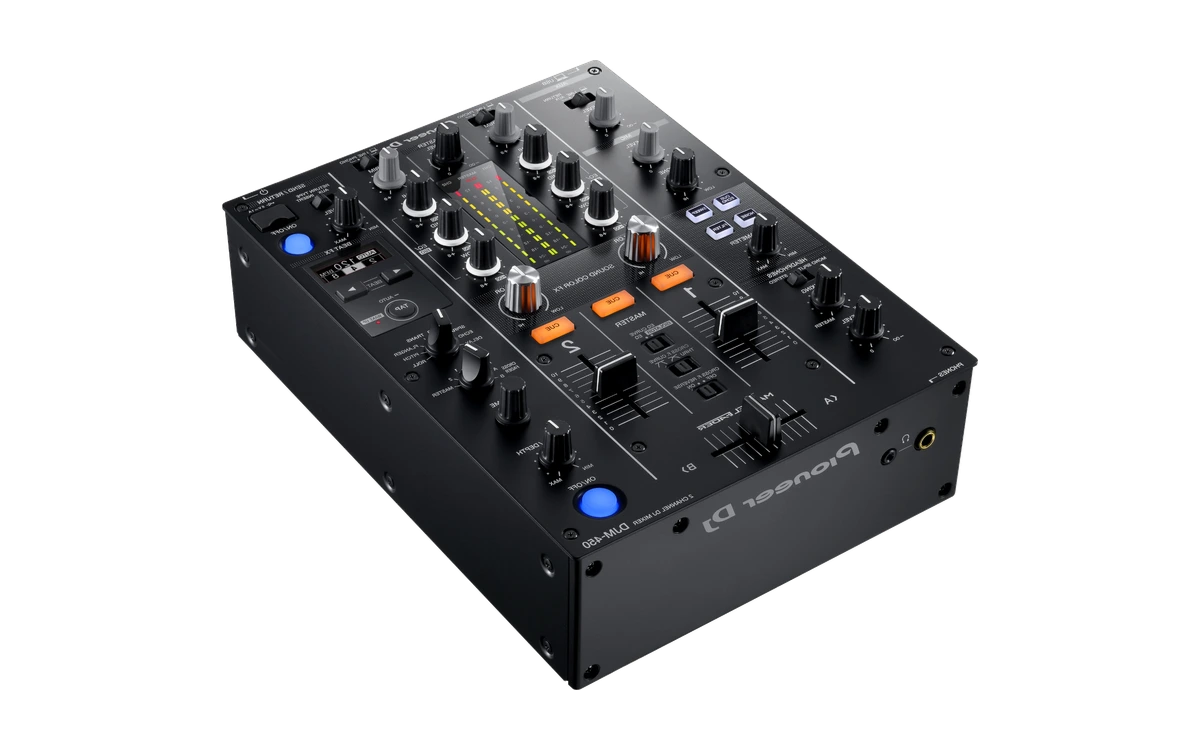
The mixer is its own device. Gain, trim, filter and headphone routing sit differently than on a controller, and differ from club to club. That is the half hour you need beforehand.
The good news
Two thirds of the switch happen on your laptop, not on expensive hardware. Analysis, beatgrids, cue points, playlists and the export to USB — you practise all of that at home with free software, without ever having touched a player. That's exactly why “I don't have CDJs” is no reason to put the switch off.
The switch in 6 steps
The first four steps cost nothing but time.
- 1
Get your library ready for export
Before anything goes onto a USB stick, your collection needs to be analysed and tidied up: beatgrids checked, cue points set, playlists built. In the club, a player shows you exactly what you prepared at home — and nothing more.
- 2
Build playlists for the night
Don't bring your whole collection. Three to five playlists organised by energy or section of the night are quicker to use in the booth than a folder tree with a thousand tracks you're scrolling through in the dark.
- 3
Export to USB — onto two sticks
The export writes the database, including cues and grids, onto the stick. Always do this onto two sticks. A faulty or unrecognised stick is the most common reason a guest slot doesn't happen.
- 4
Test the export beforehand
On a real player if possible, or at least reload it on your own computer. You don't want to find out whether your cues and playlists actually made it across five minutes before your slot.
- 5
Practise operating without a screen
On a controller you look at the laptop; in the booth, you're looking at a small display and into dark faces. Deliberately practise at home with your laptop closed: load a track, cue it, match the tempo, without the large waveform.
- 6
Arrive early and watch
Arrive an hour before your slot, watch the DJ before you, and find out where the Gain, Trim, Filter and headphone controls sit on that mixer. Every club is wired differently, and no one will explain it to you during your set.
The booth checklist
What you should have with you, and have sorted out in the hour before your slot:
USB sticks. Two sticks with identical content. The second one is not a luxury, it is the cheapest insurance of the evening.
Headphones. Your own, with the right adapter. Borrowed headphones in a dark booth cost you your ear for the mix.
A laptop as the fallback. In the rucksack, not set up. It does not have to be used — it has to be there.
Where are gain and trim?. On this mixer, not on yours. It is the first question in the booth and the one most often forgotten.
How is the headphone routing set up?. Is there split cue, and which side carries the master? Finding out while a track is playing is the worst possible moment.
Which channel is the DJ before you on?. So you can pick your own channel and not pull the wrong fader in the middle of the changeover.
Where is the master level?. And who touches it? The answer is almost always: the engineer, not you.
How long do you have for the changeover?. Two minutes or two tracks — that decides whether you set up calmly or take over flying blind.
Don't touch the master level. It's usually set for the system and the room, often by the venue's own engineer. If your set sounds too quiet, check your gain first — not the master.
Four mistakes people make the first time
Bringing the entire collection
A thousand tracks on the stick sounds like safety and is the opposite. In a dark booth you will find nothing. Three to five curated playlists beat any archive.
Having only one stick with you
The most common reason a guest slot falls apart. A second stick costs a few euros and is the cheapest insurance there is.
Never having tested the export
Otherwise you find out whether the cues and playlists really came along at the exact moment the DJ before you steps off.
Arriving with no buffer
Standing in the booth five minutes before your slot means working the mixer blind. Being there an hour early is not over-eagerness, it is craft.
Frequently asked questions about CDJs
What's the difference between a controller and CDJs?
A controller is a remote control for the software on your laptop — the music, the analysis and the display all come from the computer. CDJs are standalone players: they read the music directly from a USB stick, need no laptop, and are connected via a separate mixer. In practice that means: whatever is going to work in the club has to be prepared at home beforehand, because you can't analyse or fix anything in the booth any more.
Can I learn CDJs without owning any?
Yes, and that's the normal case — the units are unaffordable for a living room. Three approaches work: first, learn the basics on a controller, since beatmatching, EQ mixing and phrasing are identical. Second, practise the preparation workflow — analysis, cues, playlists and USB export — which is half of the difference and happens entirely on a laptop. Third, use practice spaces, rehearsal rooms or shops with demo units to get some hands-on time with the controls.
How do I prepare a USB stick for the club?
Let the DJ software analyse the tracks, check the beat grids, set cue points and build playlists for the night — then write it to the stick using the software's export function. It's important that the export runs through the software and not by copying files in a file manager: only then does the database with grids, cues and playlists make it onto the stick too. And always prepare two sticks.
What do I do if the club has different gear than expected?
Expect it. Ask when booking what's in the booth, and look at photos or the manual for that model beforehand. If you're unsure, arrive earlier and get shown the setup. The USB route is the most robust here — it works essentially the same way across the common club players, while your controller setup quickly hits its limits on unfamiliar hardware.
Do I even need CDJs as a beginner?
Not for learning. You learn beatmatching, transitions, phrasing and set building just as well on any controller — the fundamentals are device-independent. CDJs only become relevant once you want to play in clubs; but then immediately, because they're the common standard there. The sensible time to switch over is when your first club gig becomes concrete, not months beforehand.
Do I still need to bring my laptop?
As a fallback, yes, but you shouldn't play from it. A laptop in the booth is an extra device that can get knocked over, crash or not fit on the mixer, and it makes handovers between two DJs clumsy. The usual approach is: music from the stick, laptop in the backpack for emergencies.
What happens if a USB stick isn't recognised by the player?
That's exactly the situation the second stick is for. Common causes are a file system the player doesn't like, a stick that wasn't ejected properly, or an export that didn't finish completely. That's why preparation should always include a test run and a clean eject — and a second, identically loaded stick in your bag.
The basics first
What counts in the booth, you learn at home
Beatmatching, EQ mixing, phrasing, set building — device-independent, in 12 phases. Free, no subscription.
Start for free